Ever spent hours trying to craft the perfect survey, only to end up with answers you can't use? As it turns out, you're not alone. Building surveys that give useful data is more difficult than it looks.
Luckily, that's where AI can help. With the right AI survey prompt, you can build a professional survey in just a few minutes. The key is to know how to write clear and concise prompts that tell the AI exactly what you're trying to achieve.
In this guide, you'll learn everything you need to know to write effective AI prompts for building surveys. We will talk about what to include, how to present it, and how you can improve your existing prompts.
Why does prompt quality affect AI-generated surveys?
Before we move on to the specifics of writing AI prompts, we need to cover the basics. AI is powerful, but it is not a mind reader. So, you can never assume it knows all the context of what you're trying to do.
It will do its best to guess who you're surveying or what you're trying to learn, but at the end of the day, it's still just a guess. It's like going to a pizzeria and ordering a pizza: one day you get your favorite, the other you get something you'd never order yourself.
That's why your order, or in this case survey prompt, matters. According to a guide by Microsoft, the more specific you are, the more satisfied you will be with the result. Or, the less likely you'll be disappointed that it wasn't what you expected to get.
Take a look at those two prompts:
- “Create a customer satisfaction survey for my online shop.”
- “Create a customer satisfaction survey for an online grocery store. Focus on delivery time, product freshness, and usability. Target busy professionals who value convenience.”
With the first one, you'll probably get generic questions like “how satisfied are you?” or “would you recommend…?” In the second one, however, you specify areas of interest and the people you want answers from. It's still not a perfect prompt, but it's much more likely you'll get questions like “were your fresh items (dairy, meat) in acceptable condition?”
The difference is clear. Better prompts lead to better surveys, which lead to more useful feedback.
How to write clear and effective AI survey prompts
With all that being said, writing effective AI survey prompts is not rocket science. All you need is a simple four-part framework outlining: the context, goal, audience, and tone. This way, you give the AI of your choice everything it needs to generate AI survey questions that fit your needs.
Context
Start by explaining why you need the survey. What made you decide to conduct this survey? Is it because you're losing customers, or maybe you want to expand your business? Think of it as setting the scene for the AI.
The more specific you are in this step, the better AI can tailor the survey questions. The information you give it will point it towards the data you want to get. Here are some examples:
- “We recently added a new real-time order tracking feature to our mobile app, which…”
- “After implementing […], our customer support team noticed an increase in user cancellations.”
- “We want to expand our existing subscription service with a premium tier that contains…”
Goal
The next step is to define what you want to learn from the survey. The context shows the AI what is happening, and the goal should ask why it is happening. Be specific about what you want to do with the data.
This way, the AI will understand the decisions you want to make and formulate the questions in a way that gives you actionable data.
It's worth noting that you should try to avoid bias. There's a difference between:
- “Understand if users can find and understand the new tracking feature”
and slightly more biased:
- “Show that users have no difficulty using the new tracking feature.”
The example here is a bit over the top, but for your AI tool, even a much more subtle bias can skew the results. This is partially because AI tools tend to show certain biases on their own. Your job is to make sure you prevent this from happening.
Here are two other goals following the examples from the previous section:
- “Identify the main reasons customers cancel their subscriptions within 30 days.”
- “Estimate interest in premium features and determine free and premium users' willingness to pay.”
Audience
Now we know what and why, we need who. There's a chance that the AI you use will have a general idea of your target audience. It doesn't mean it will know exactly who will receive the survey.
This is the step in which you describe who you're surveying. Include relevant details about their relationship with your product, experience level, or segment they belong to. Sometimes even information such as approximate age or the size of the cities they live in can make a difference.
The same question sounds different when you ask a technical developer and a casual user. The former will likely prefer short and concise questions, the latter may prefer more open and descriptive tasks.
Here are some examples of information you should include:
- “Busy young adults who order weekly and use the mobile app as their primary shopping method.”
- “Users who churned within the first 30 days, especially those who rarely engaged with premium features.”
- “Power users on the free plan who have hit feature limits or usage caps in the past month.”
Tone
In the last part of our framework, you want to define the voice and style you want for your AI survey questions. It will set the personality of it and define how participants engage with it.
As we mentioned above, it will be defined by the audience to some degree. However, you're probably well aware that there's much more to how your brand communicates. And your AI survey prompt should reflect this. Here's how you can approach this:
- “Keep questions short and scannable, mobile users should be able to answer quickly between tasks.”
- “Use contractions, occasional humor, and questions that sound like texts from a friend, not surveys from a company.”
- “Be friendly and direct, like a consultant asking for honest feedback without being pushy.”
Practical prompt examples for different survey types
Here are a few copy-paste-ready prompt templates for common survey scenarios. Simply replace the bracketed sections with your specific details. Feel free to experiment and expand them using the four steps above.
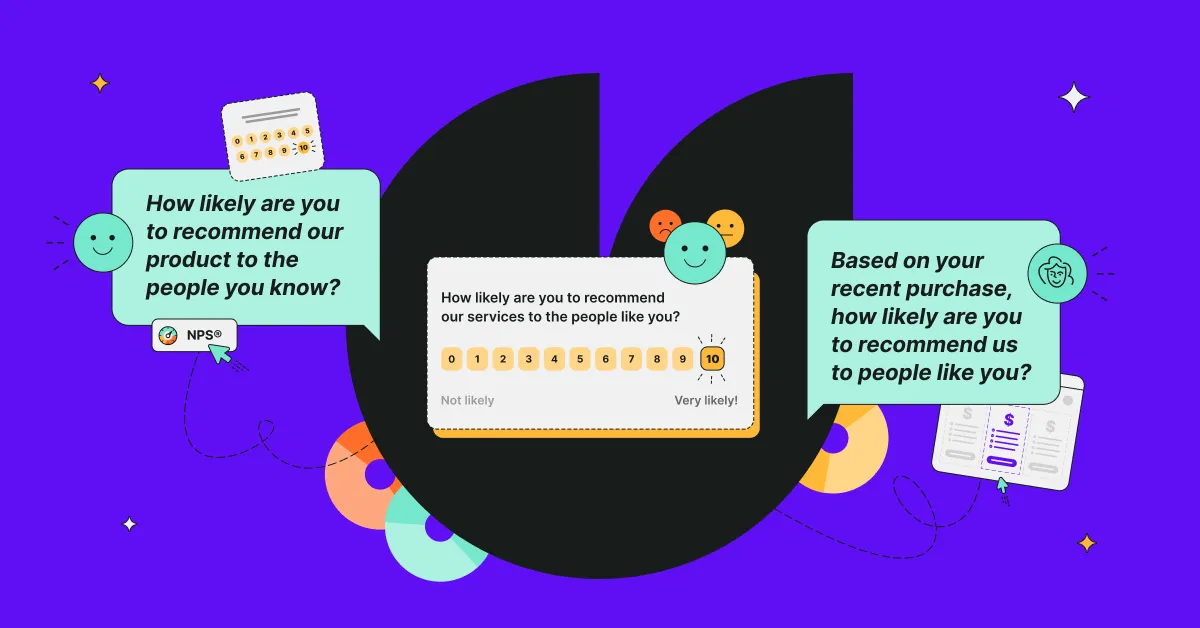
NPS (Net Promoter Score) survey
When to use: Measure average customer loyalty and recognize promoters and detractors.
Prompt template:
Create an NPS survey for [product description]. The product is offered by [company description] and we want to expand our product lineup.
Our goal is to measure how likely customers are to recommend us and understand the specific reasons behind their scores. We want to know what makes promoters enthusiastic and what's holding detractors back.
Survey existing customers who have been with us for at least [timeframe] and made a purchase in the last [timeframe]. Assume the customers are [audience description].
Include the standard NPS question (0-10 rating, "how likely are you to recommend us..."). Follow it up by 4 follow-up questions that reveal why they gave that score and what would improve their experience. Adjust the questions to fit the product.
Onboarding survey
When to use: Understand how new users experience your product in their first days or weeks and what are the potential obstacles.
Prompt template:
Create an onboarding survey for users who signed up [timeframe] ago for [product description]. We've noticed [drop-off rates/support tickets/friction points/etc.].
Our goal is to identify obstacles in the onboarding process and understand how quickly users reach their first success. We want to know what's working well, what's confusing, and what prevents some users from getting value from the product.
Survey new users who are [experience level]. Assume they've had [timeframe] to explore the product, so they may not know specific names or options.
Focus on the clarity of setup instructions, how long it took them to achieve first results, and any confusion they encountered. Include 5-8 questions that help us improve the first-time experience and reduce time-to-value.
Product research survey
When to use: check demand and preferences before investing in new features or significant product changes.
Prompt template:
Create a product research survey about [specific feature or change] for [product description]. We're considering this because [user requests/competitive pressure/strategic direction/etc.] and need to verify if this solves a real problem for our users and how they would prioritize different aspects of it.
Target [user segment that would benefit most] who use and understand [product] well enough to evaluate the proposed solution. Include 6-8 questions that cover:
- How they currently work around this gap or limitation
- What specific pain points this feature would solve for them
- Which capabilities are must-have versus nice-to-have
- Their likelihood of adopting this feature once available
- Any concerns they might have with [specific feature or change]
Churn survey
When to use: identify why customers cancel or stop using your product and find potential win-back opportunities.
Prompt template:
Create a churn survey for customers who [canceled/stopped using/downgraded from] [product description] within the last [timeframe]. We're seeing churn primarily at [stage in customer lifecycle].
Start with a multiple-choice question identifying their main reason for leaving (price, missing features, competitor, no longer needed, poor experience, ask for other).
Conditional follow-ups: Based on their answer, ask 2-3 targeted questions:
- Price concerns: budget constraints vs. perceived value
- Competitor: what they offer that we don't
- Missing features: which specific ones mattered most
- Poor experience: what went wrong
Important: please group questions by conditions.
End with questions about what could have kept them and whether they'd consider returning.
Keep it to 4-5 questions total. They've already left, so make it quick but avoid trying to convince them to come back.
Feature request survey
When to use: prioritize your product roadmap based on what the customers would actually want to use.
Prompt template:
I'm planning next product updates for [product description] and I need to prioritize between [number] potential features: [list the features].
The survey should help us understand not what users want, but why they want it and how much it matters to their actual use.
Create a survey that asks users to:
- Rank these features by importance to their workflow (most to least important)
- Select their top 3 must-have features
- Explain how their #1 choice would change how they use [product]
- Rate their frustration level with the current lack of each feature (low/medium/high)
- Suggest any features we haven't considered that would make a bigger impact
Target [user segment] who actively use [product]. Avoid jargon, as the users may not be familiar with it. Instead, explain the features briefly.
Keep the questions to the point so we get quality responses.
How AI survey generation works
If you decide to use conventional AI tools like ChatGPT to generate your surveys, the process is relatively simple. At least from the user's standpoint. You submit your prompt, and the tool analyzes it and prepares the answer based on millions of survey examples and other media.
As a result, you get a list of AI-generated survey questions, usually with some extra tips. You'll need to take those questions and put them into a survey on a survey platform of your choice.
If you use more specialized tools, such as Survicate’s AI survey generator, you get more than just questions. Instead, you get appropriate question types and survey flows. Some tools even offer complete templates the AI adjusts to your needs.
The process is even morestraightforward. Typically you provide your prompt with context and goals, review the suggested questions, and launch. The latter is something you can't do with conventional AI tools – what used to take hours now takes minutes.
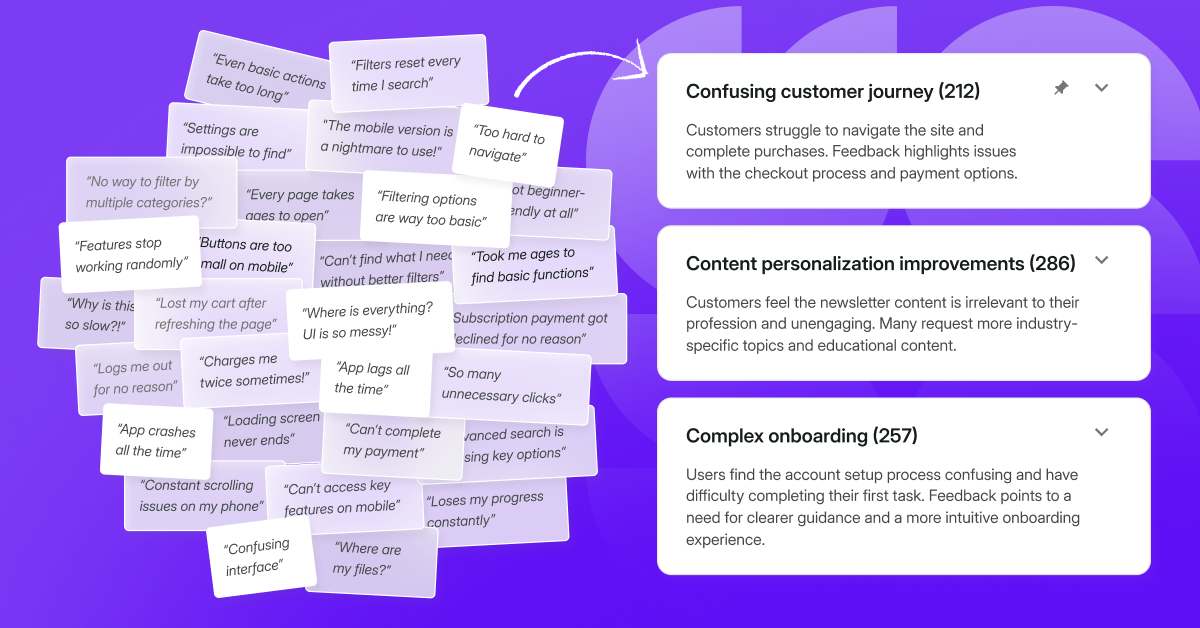
You can also use AI to analyze the results for you. However, keep in mind that it does not replace your expertise. It's still up to you to decide what the survey should look like and what to draw from the data you get.
Start creating better surveys today
Writing effective AI survey prompts is a skill you can learn quickly. The four-part framework and prompt examples above should be a good starting point.
But remember, AI is your assistant, not a replacement. You bring the strategy and judgement that makes your surveys count.
Ready to try it yourself? Check out Survicate, now on a 10-day free trial.





.svg)

.svg)