
Dashboards
Monitor feedback with tailored dashboards
Combine NPS, CSAT, insights, and survey data in one customizable dashboard. Get a complete view of your feedback at a glance.
Trusted by 2000+ digital products







Dashboards that help you stay on top of everything
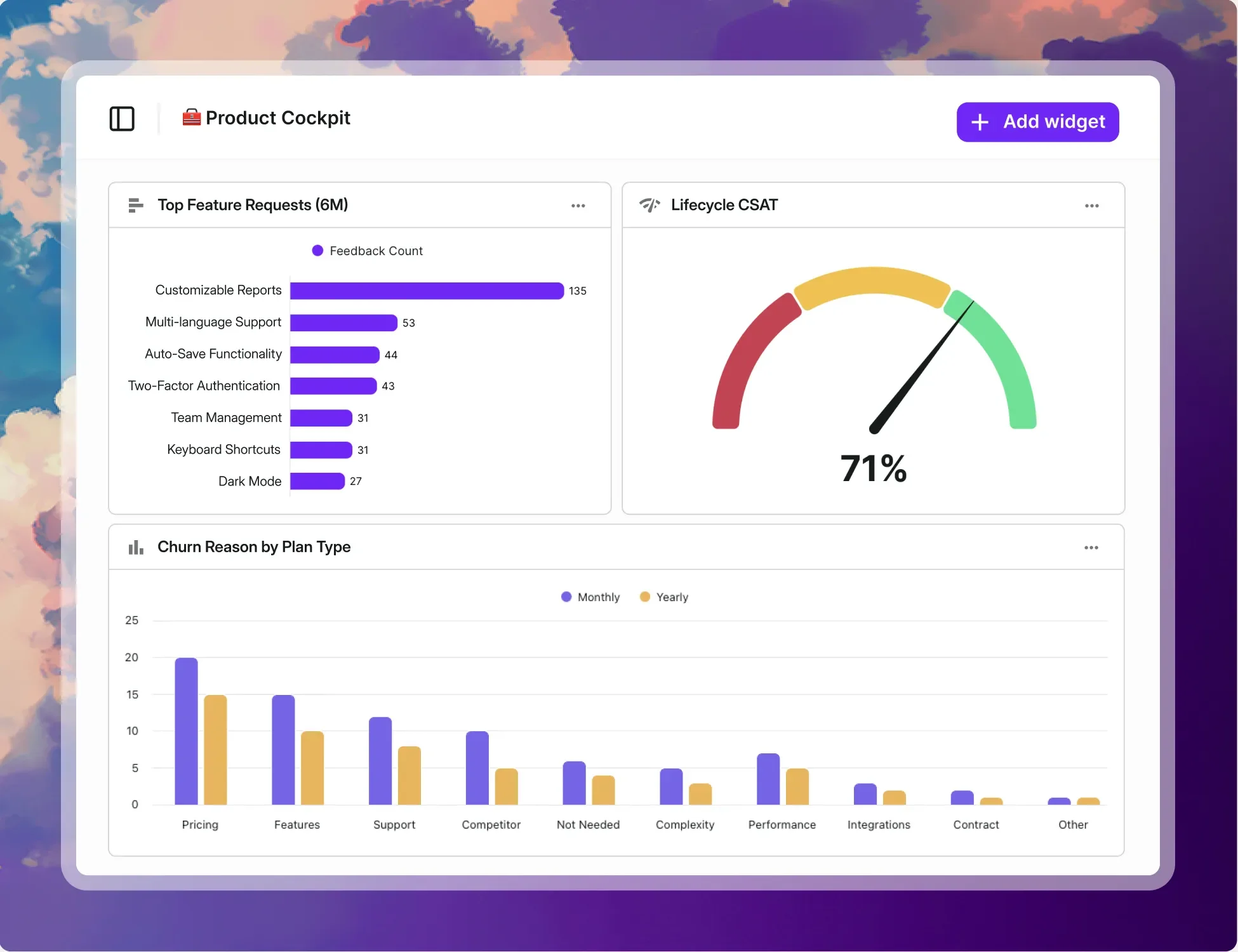
Track sentiment, scores, trends, and requests from every survey and insight, so nothing slips through the cracks.
Metrics and sentiment shifts
Combine data from multiple surveys to monitor NPS, CSAT, and customer sentiment in real time.

The impact of every release
Compare feedback before and after launches to see what’s working, what’s broken, and what your users really think.

Monitor feature requests
Track recurring requests and emerging needs across surveys. Prioritize what moves the needle instead of guessing what might.


NPS
Merge scores from multiple surveys to see your overall score or breakdowns by key attributes to stay on top of loyalty shifts.

CSAT
Track satisfaction across different areas of your product. Filter results by attributes, insights or surveys.

Top insights
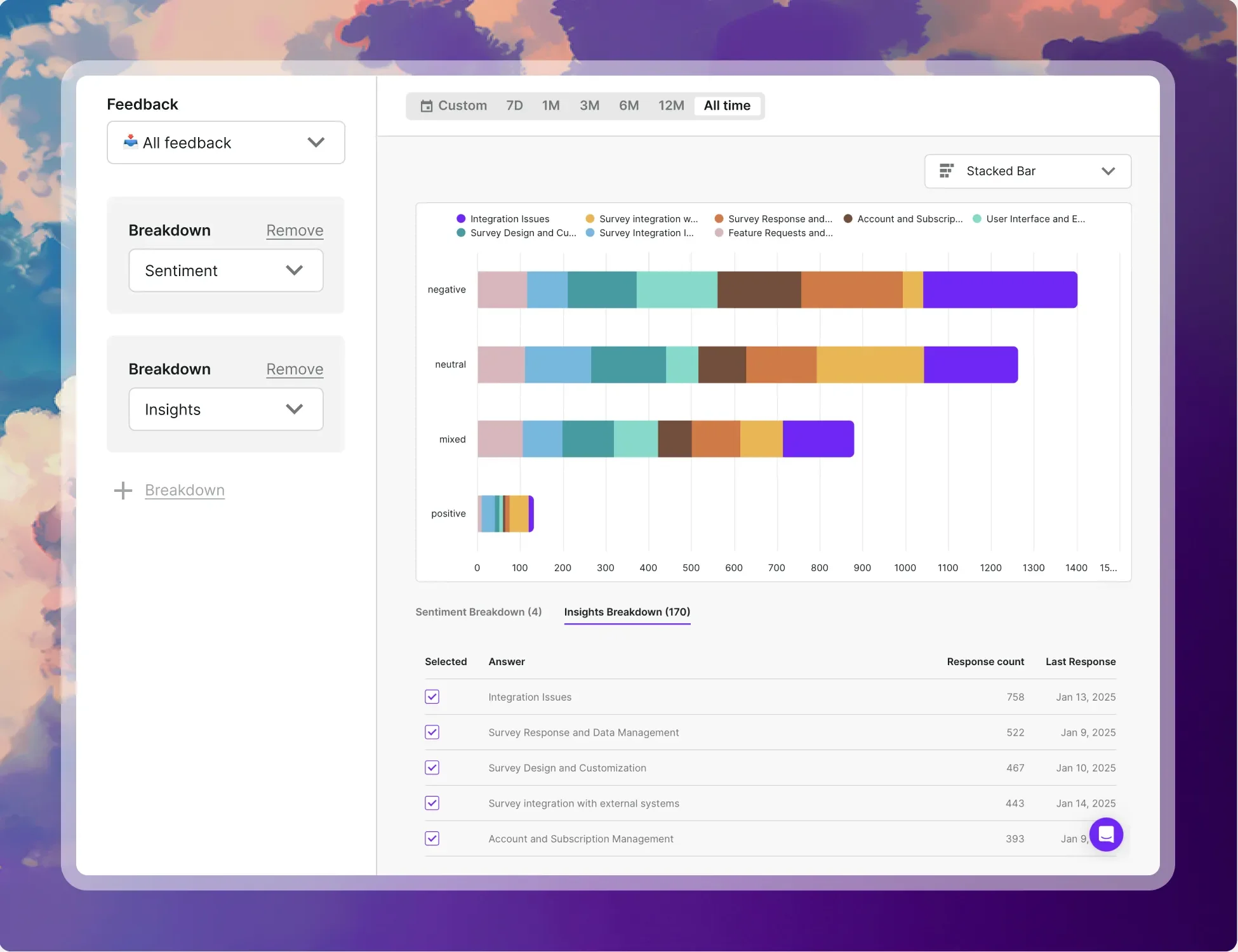
Surface recurring feedback and spot shifts in customer needs and preferences fast, so you know what to build or fix next.


Export ready-to-share graphs
Quickly download clean, presentation-ready charts to drop into decks, reports, or team updates.

One source of feedback truth
Give Product, CS, and Marketing one unified view of feedback, so everyone’s working with the same data.

Dashboards built your way
Use a flexible drag-and-drop editor to build a dashboard that fits your data, your team, and the way you actually work.

How it works
Build your feedback command center in 3 easy steps
- 1. Create your dashboardStart by creating a new dashboard or selecting an existing one to build on.
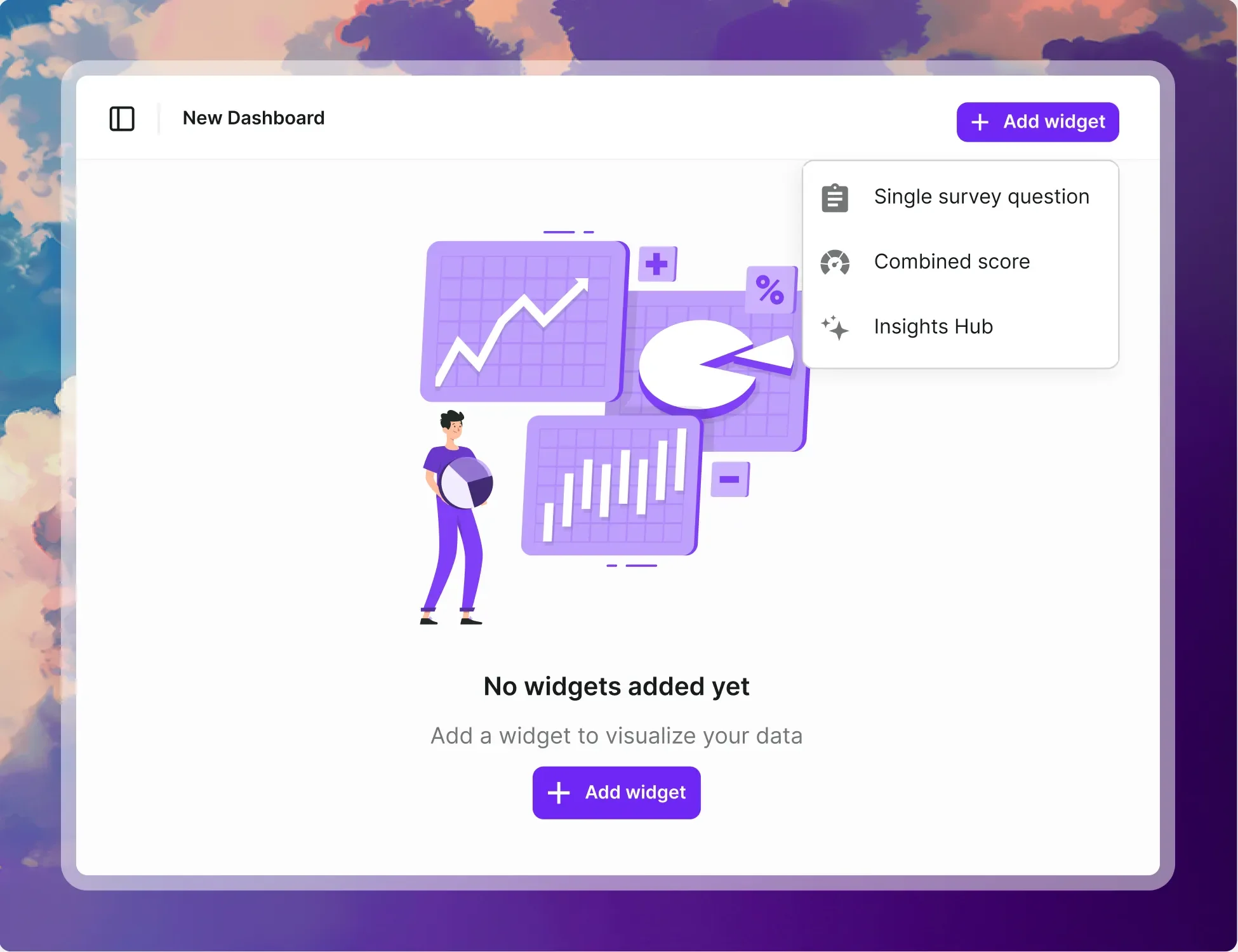
- 2. Add widgets and customizeChoose your widget types and arrange them any way you need.
- 3. Analyze and filterTrack trends with real-time visualizations. Dig into specific segments for deeper insights.

B2C Apps
“Survicate integration capabilities are great and that’s a big part of the appeal. And the platform itself is very innovative and it’s so easy to set up surveys.”

William Geldart
Marketing Manager at BPS World
See Survicate in action
Setup in minutes
Human support, on every plan
97% satisfaction rate

Customer Feedback Platform. Survey and listen to your customers across every channel.



© 2026 Survicate S.A.With ♥ from Poland