
A GetFeedback alternative your CX program can rely on
GetFeedback Direct shuts down on December 31, 2026.
Instead of SurveyMonkey Enterprise, move your CSAT, NPS, and CES program to Survicate.
Trusted by 2000+ digital businesses






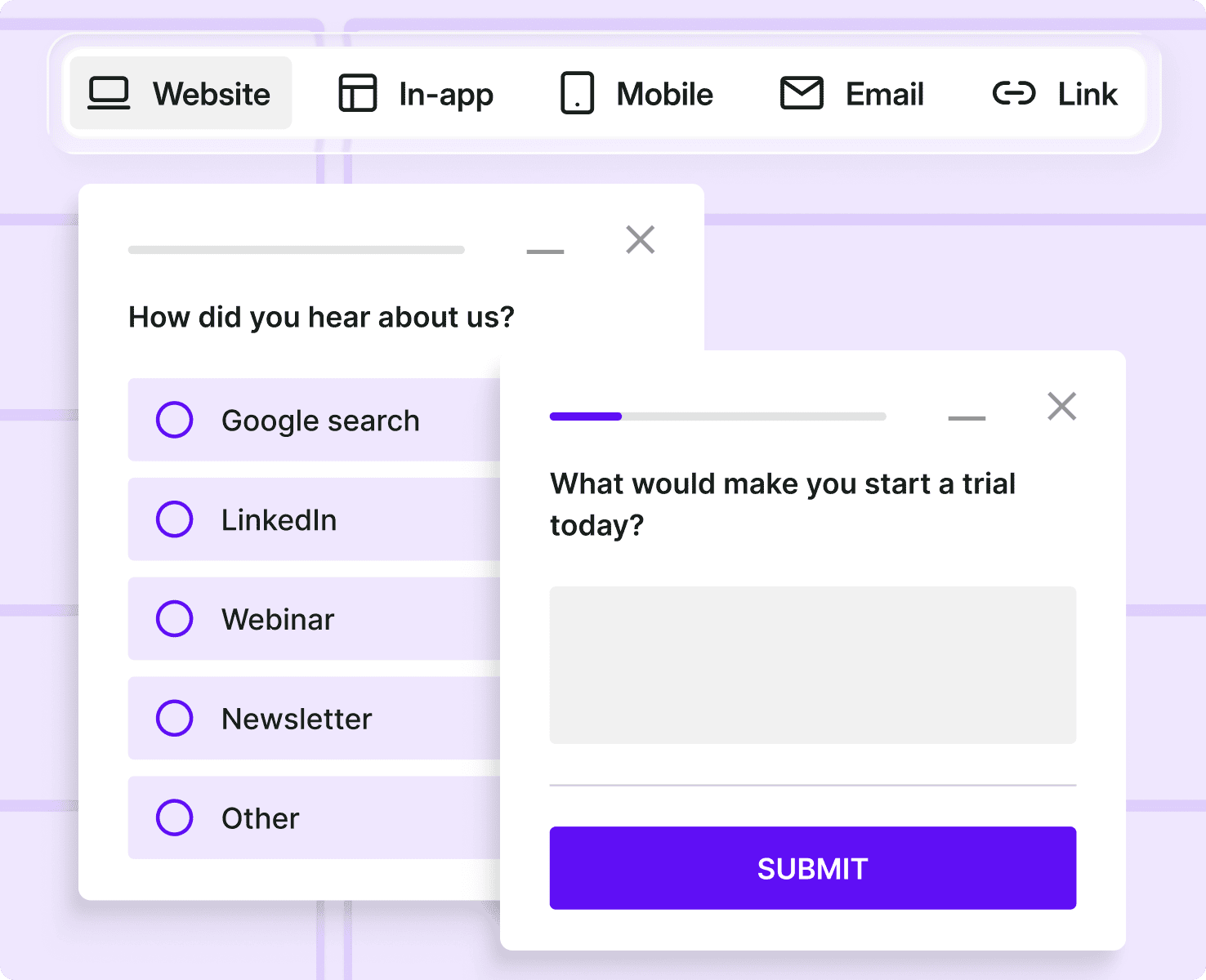
Surveys wherever customers are
Run CSAT, NPS, and CES surveys on web, in-app, and email.
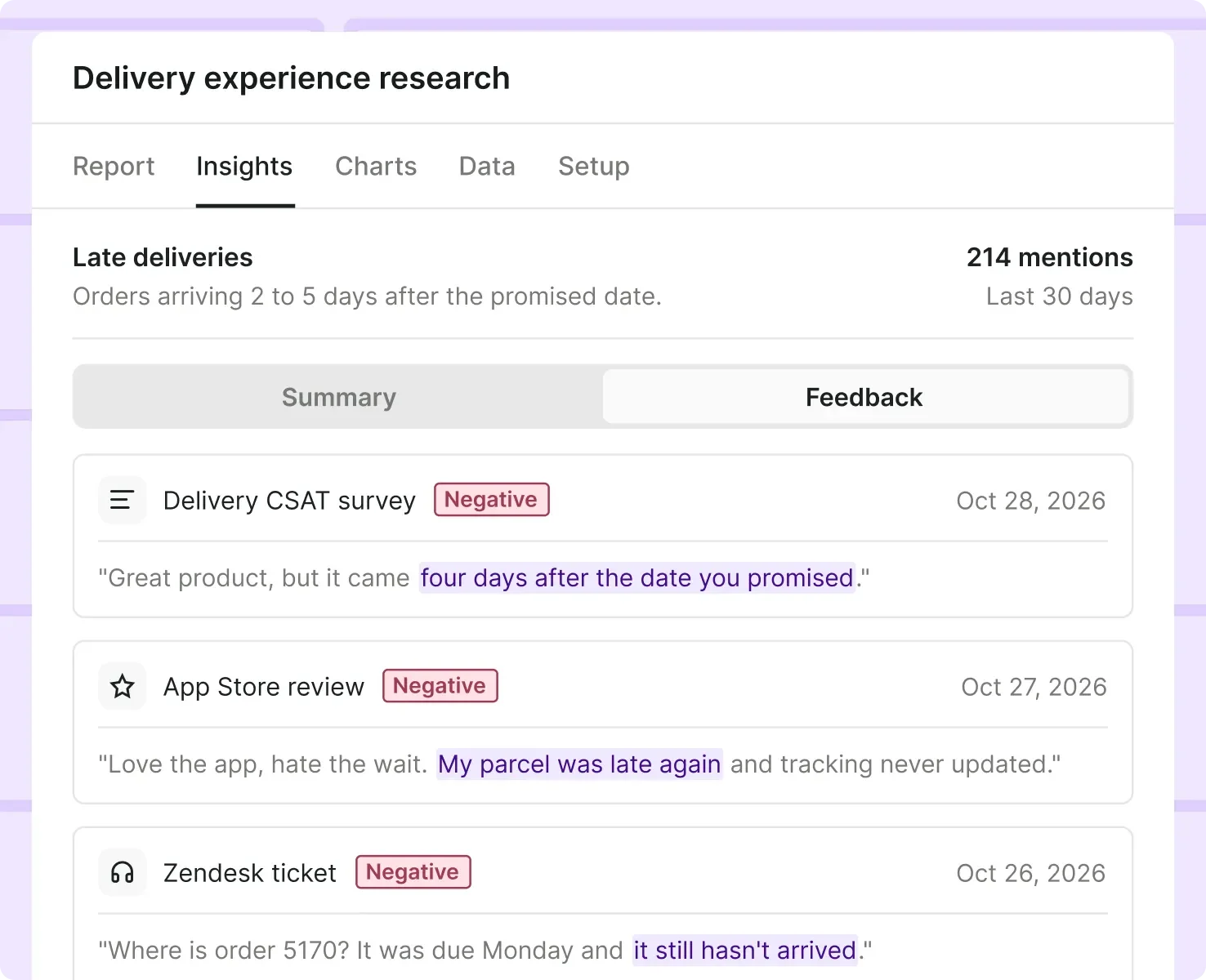
Direct and indirect feedback
Read survey answers alongside reviews, tickets, and chats.
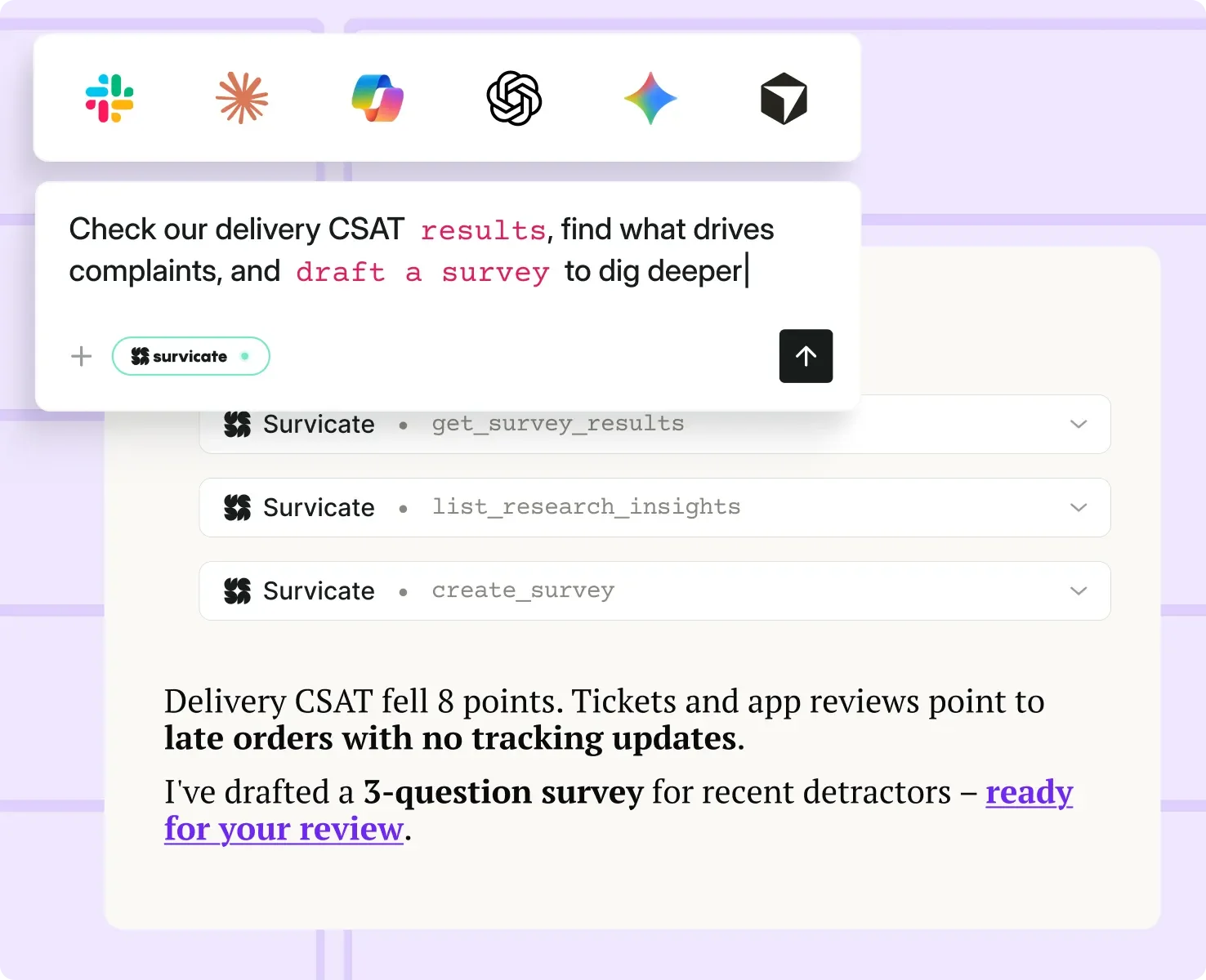
Answers in your AI assistant
Ask Claude, ChatGPT, or other assistants about scores, comments, and trends.
Replace GetFeedback Direct without moving to Enterprise
Since you’re switching anyway, bring reviews and support tickets in next to your surveys, and analyze it all with AI.
Email, web, and mobile in one plan
Replace GetFeedback Direct's email surveys and add website and in-app feedback to track CSAT, NPS, and CES across the customer journey.
- Email & links
- Website surveys
- In-product surveys
- Mobile surveys
Switch survey tools and keep Salesforce connected
Moving from GetFeedback Direct? Send CSAT and NPS scores and comments to Salesforce with Survicate.
"We've tried SurveyMonkey and GetFeedback before. Ultimately we switched to Survicate to avoid being dependent on developers."
Robin Tussiot - CRM Manager at Kard
Survicate Customer
Survicate or SurveyMonkey Enterprise?
GetFeedback Direct shuts down on December 31, and its owner, SurveyMonkey, is moving users to SurveyMonkey Enterprise. Here’s how Enterprise compares with Survicate.
| Feature | SurveyMonkey Enterprise | Survicate |
|---|---|---|
Not includedDemo required, no public price | IncludedPublic pricing | |
Not included5+ users | IncludedFrom 1 user | |
Not includedGuided by their team | IncludedSelf-serve | |
Not includedPaid add-on | IncludedIncluded from Pro | |
IncludedAvailable | IncludedAvailable | |
IncludedClaude connector | IncludedClaude, ChatGPT | |
Not includedEnterprise only | IncludedEvery plan |
SurveyMonkey shows no Enterprise price and asks you to book a demo. Survicate lists starting prices for every plan.
SurveyMonkey Enterprise starts at 5 users. Survicate lets you sign up on your own and add your team later.
SurveyMonkey moves GetFeedback Direct customers to Enterprise with its own team. With Survicate, you sign up and set up surveys yourself.
Both send survey responses to Salesforce records. SurveyMonkey sells its Salesforce integration as a paid add-on to Enterprise. In Survicate, it's included on Pro and Enterprise plans.
Both offer an SDK to show surveys inside your iOS and Android apps.
Both connect to AI assistants through MCP. Survicate is listed in the official Claude and ChatGPT connector directories and works with other MCP-compatible tools.
Survicate stores your data in the EU on every plan. SurveyMonkey offers EU hosting on Enterprise only, and sending surveys from Salesforce isn't available there.
Three steps to move off GetFeedback Direct
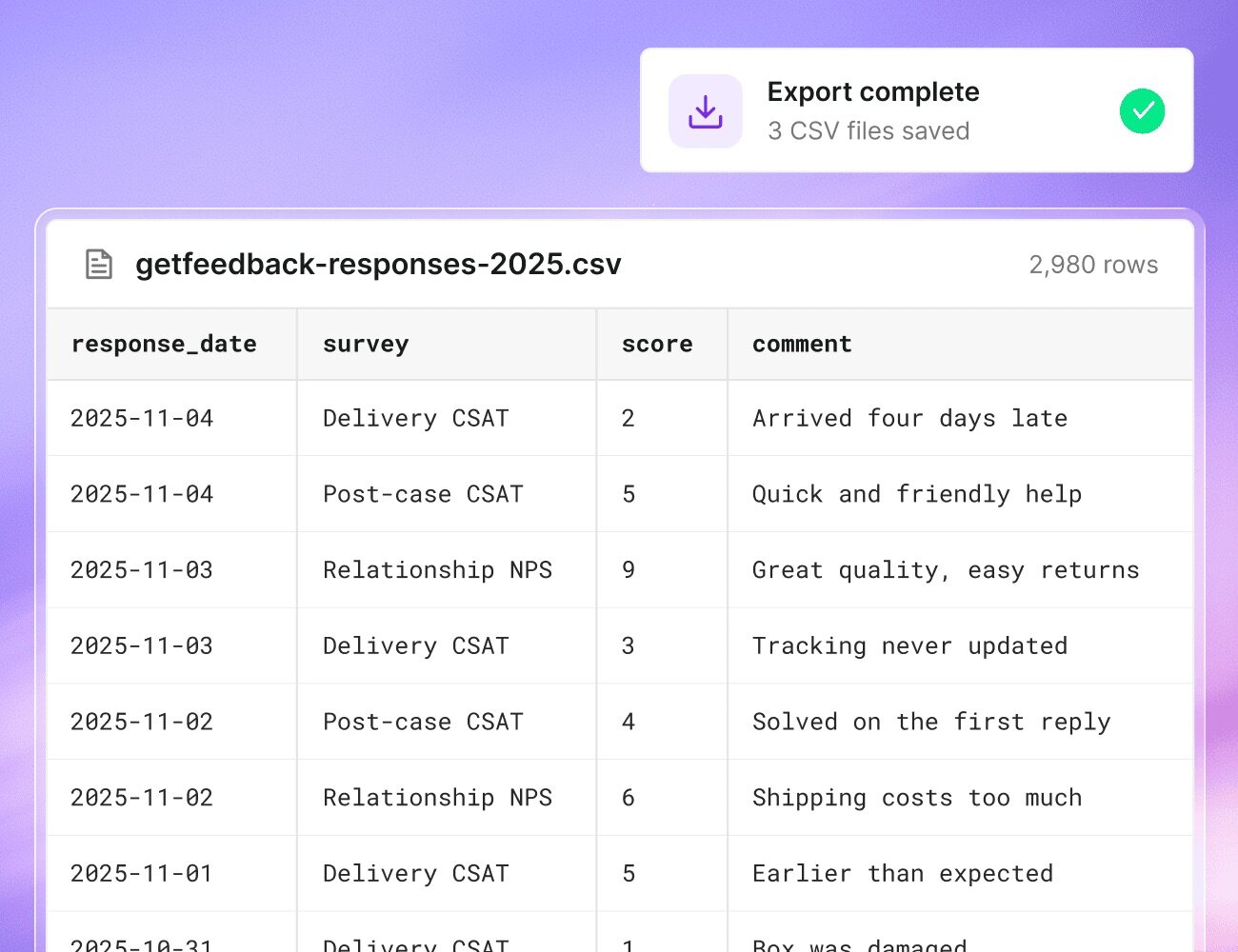
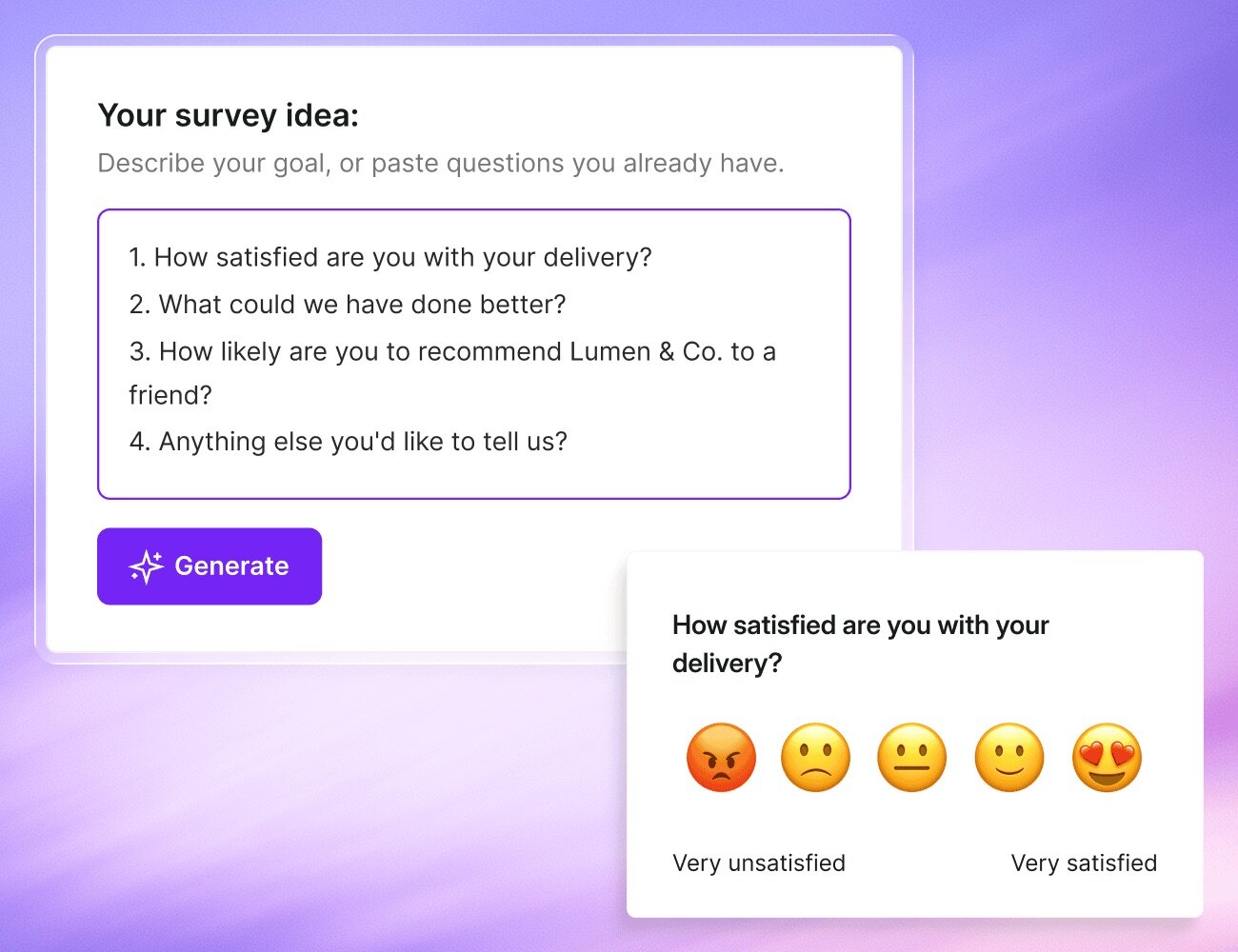
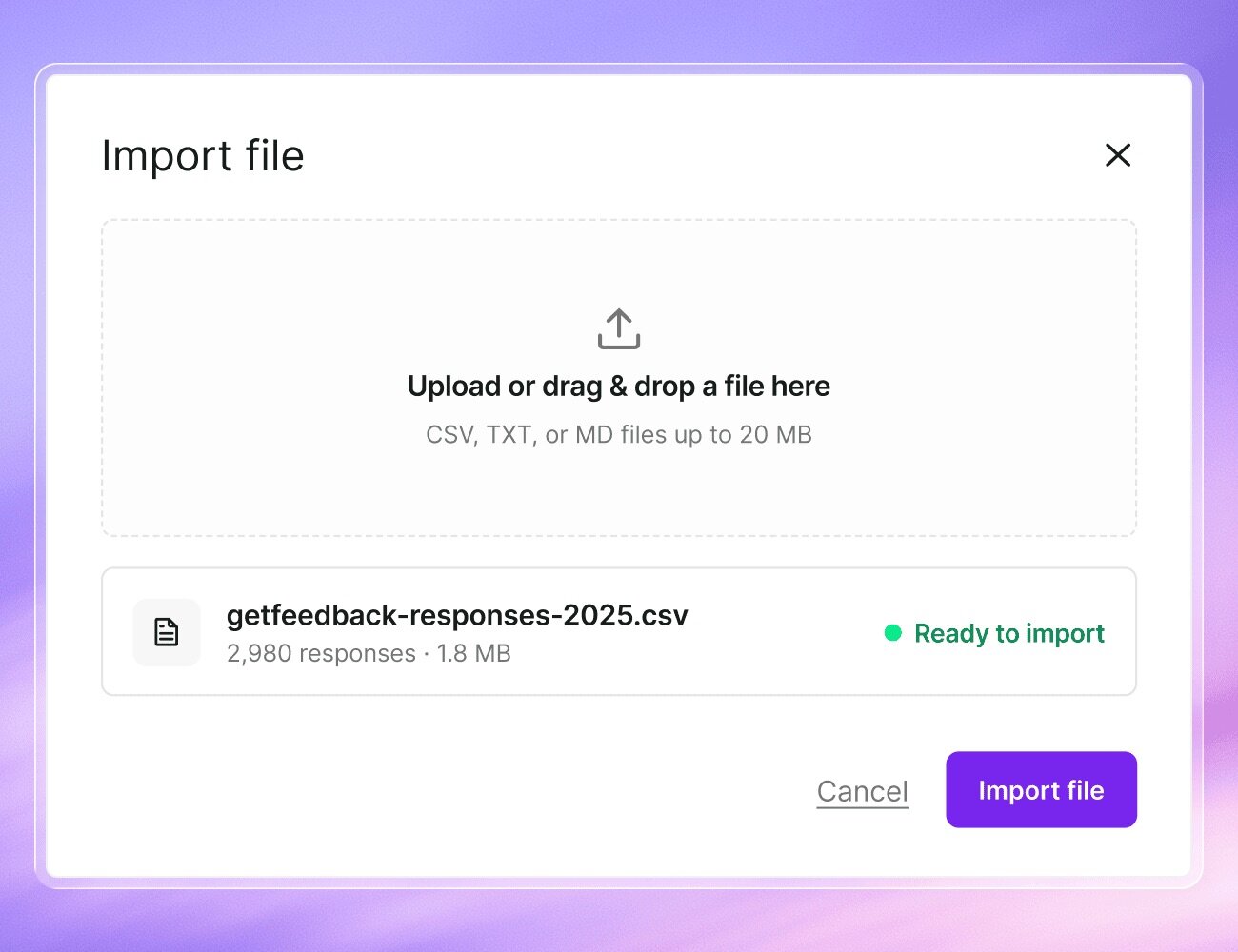
Move your CSAT and NPS program before December 31 and bring your survey history with you.
Leaving GetFeedback Direct? Start your switch today.
Human support, on every plan
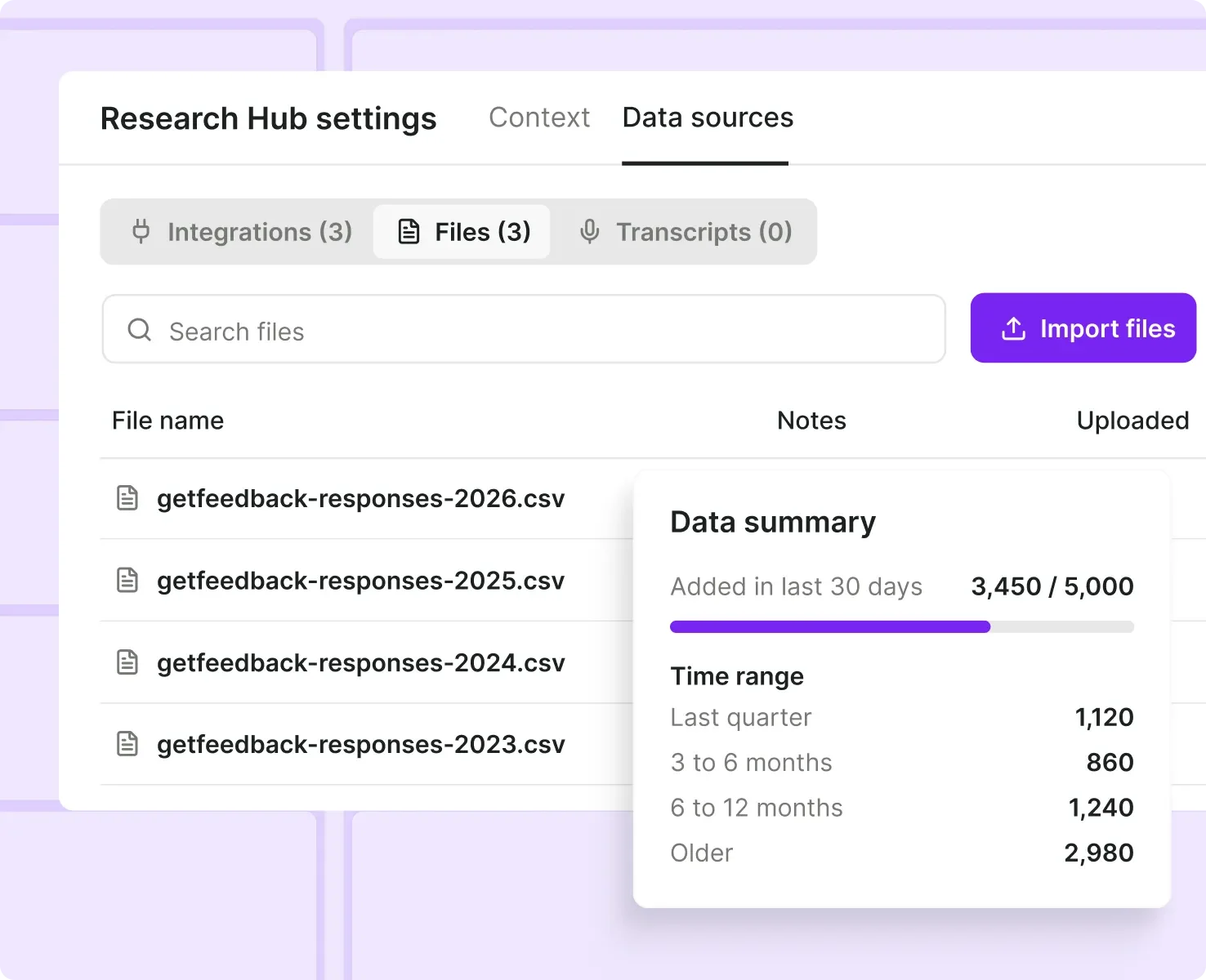
Import past responses
Surveys, reviews & tickets
Frequently asked questions
Find answers to common questions about our products. Can't find what you're looking for? Contact our support team.


© 2026 Survicate S.A.With ♥ from Poland