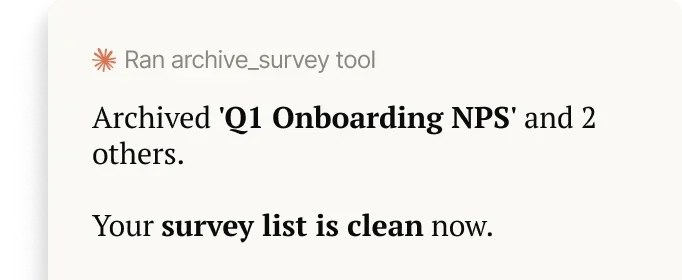
Hero image
Survicate MCP

Connect Survicate to your AI assistant

Explore survey results, research insights, then draft new surveys from your AI Assistant, with Survicate’s MCP.

Works with

Slack
Claude
Copilot
ChatGPT
Copilot
Cursor

What exactly does the Survicate MCP do?

You ask your assistant a question. Survicate MCP finds the answer, or drafts the survey that will get it.

Find the right survey
“What's our churn survey called, and is it live?”
Pull survey results
“What is our NPS this quarter, and how has it moved?”
Read individual responses
“Show me what users actually said about the new feature”
Start or browse a research project
“What research do we have on checkout errors?”
Search and save research notes
“Save this as a note on the pricing project.”
Draft your next survey
“Draft a 5-question exit survey for trial users.”

What is Survicate MCP?

Survicate MCP (Model Context Protocol) is a powerful way to connect your favorite AI apps directly to your Survicate workspace.
Claude

Claude Connector

Pull survey results and research reports directly into Claude.
ChatGPT

ChatGPT App

Ask ChatGPT for real survey data and customer quotes.
Microsoft Copilot

Copilot Connector

Bring customer feedback into Copilot, inside Microsoft 365.
Gemini

Gemini Extension

Ask Gemini for survey results and research insights.
Remote MCP server

Remote MCP Server

Works with any MCP-compatible tool, with a single setup.
Feature showcase screenshot
For the whole team

Your feedback, in Claude and ChatGPT

The people who need feedback most usually don't have access to it. Now they get it directly from their AI assistant.

In your AI assistant
Work with your feedback in the AI assistant you're already strategizing in.
Coming soon to Slack
Ask about customers right where you're working, get real data back.
It carries on to the next tool
The context travels with you into whatever you open next.
Feature showcase screenshot
Your survey data

Every response, one question away

Ask in plain language. Get the exact score, the words used, and the themes behind them, filtered by date and source.

From score to the exact complaint
Check if one loud complaint is actually a trend.
Words your customers used
Call on individual responses when a summary is not enough.
Filtered to the right moment
Narrow responses to any date range, event, or time window.
Feature showcase screenshot
Research Hub

Get the right findings, right when it matters

Survicate already analyzed your feedback. Ask your AI assistant, and it shows up right where you're working.

Search across every study
Find the research reports related to the decision you're making.
Skip the re-explaining
Your research findings reach even the threads you're not in.
Save new findings back
Add what you learned to the repository, from the same chat.

Go from "we should ask users" to "we just asked users"

Draft surveys based on the context you already established with your AI assistant.

The gap turns up mid-chat
You're deep in a decision and realize you lack user data.
Draft a survey
Confirm what you want to learn. The draft builds itself in Survicate.
Target it and publish
Pick the audience, choose the right timing, and simply hit publish.
How it works

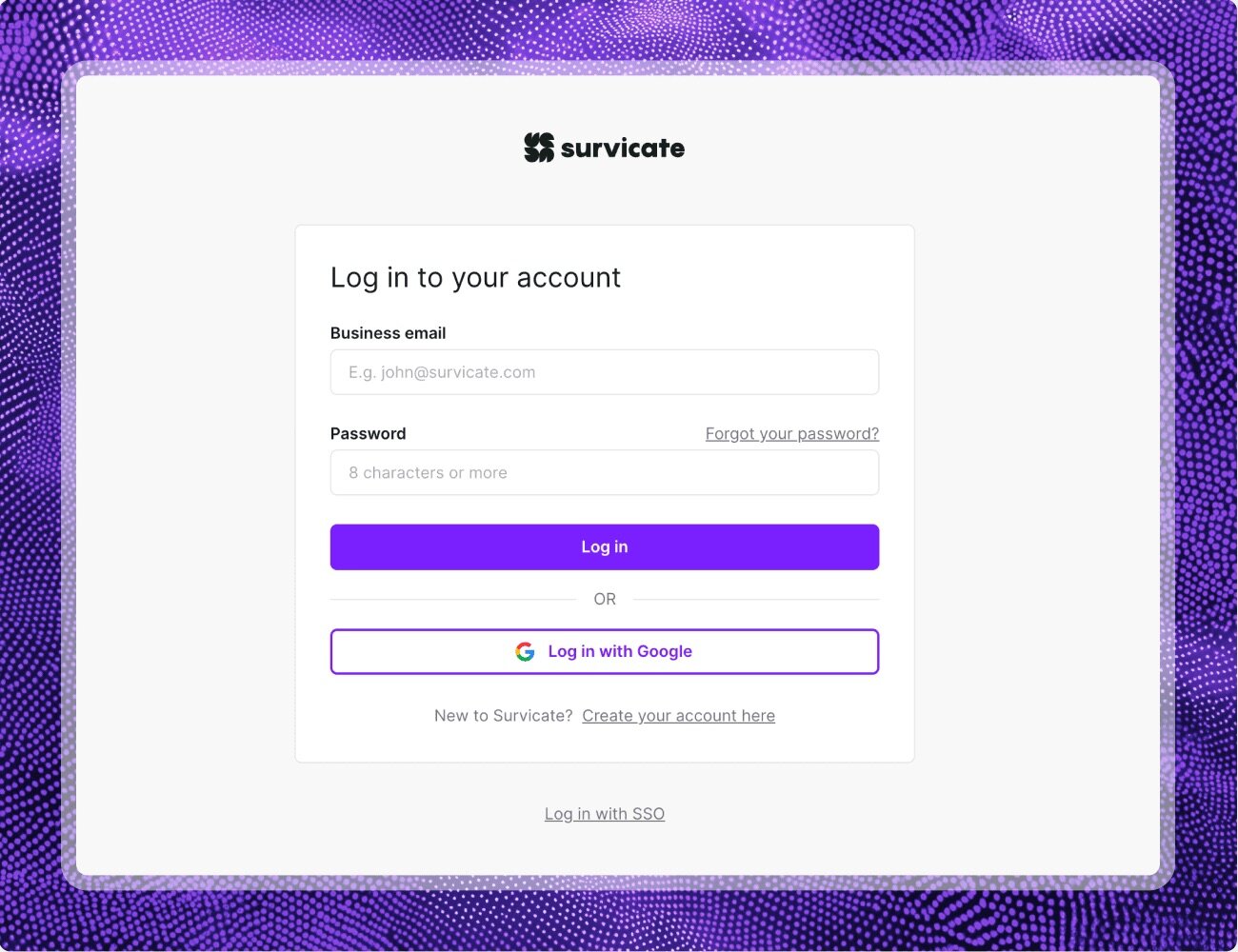
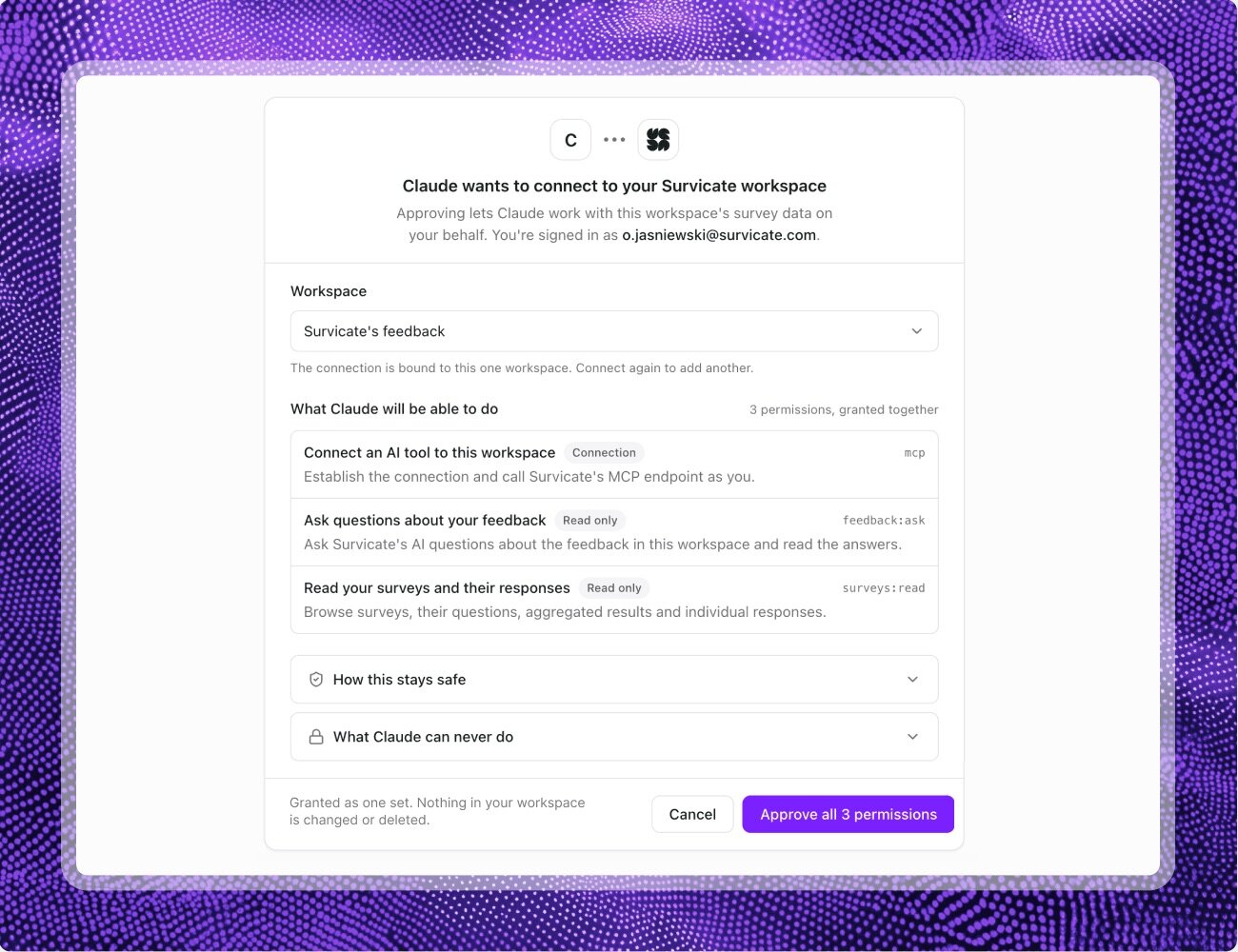
Three steps to connect to Survicate MCP
Create a new dashboard
REPLACE ME: PlusPort logo

“One comment from one customer shouldn't be enough to move something up the roadmap. That's the problem Survicate solves.”

REPLACE ME: Ellen Verbunt avatar

Ellen Verbunt

UX Researcher and Product Specialist at PlusPort

Frequently asked questions

Find answers to common questions about Survicate MCP.
Can't find what you're looking for? Contact our support team.

See Survicate in action

Setup in minutes

Human support, on every plan

97% satisfaction rate