
A Refiner alternative that goes beyond surveys
Unlike Refiner, Survicate gives you a 360° view of your users by combining in-app answers with support tickets, call recordings, and app reviews.

Trusted by 2000+ digital businesses






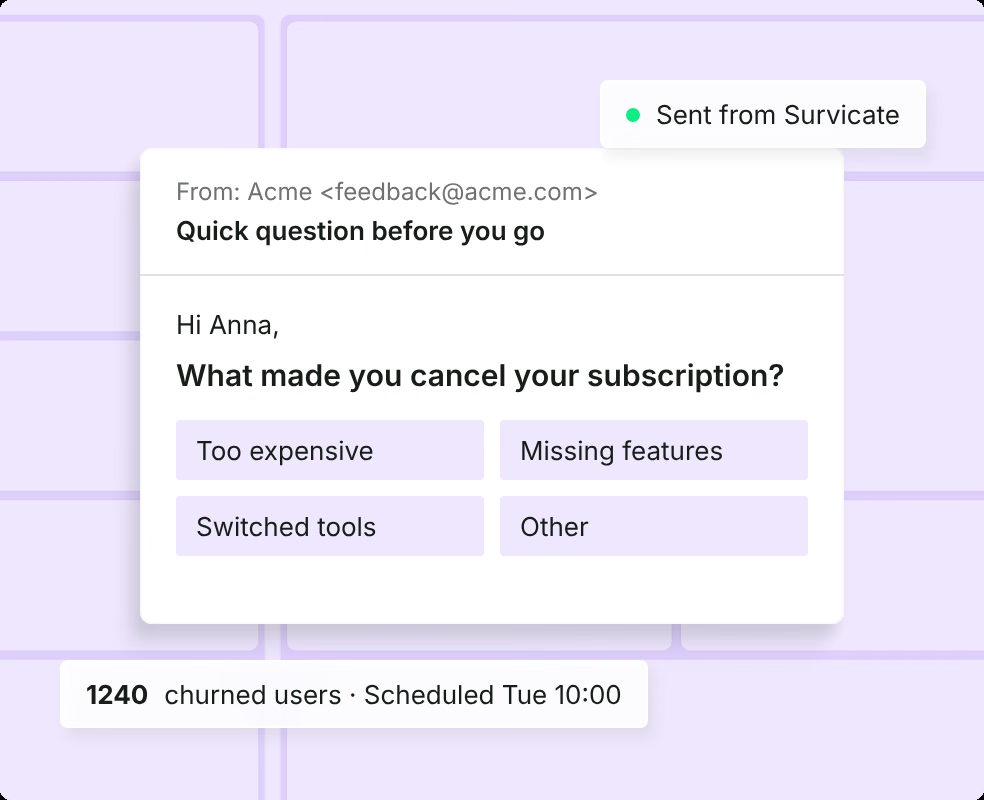
Surveys in your app and beyond
Run in-app, mobile, and email surveys from one account.
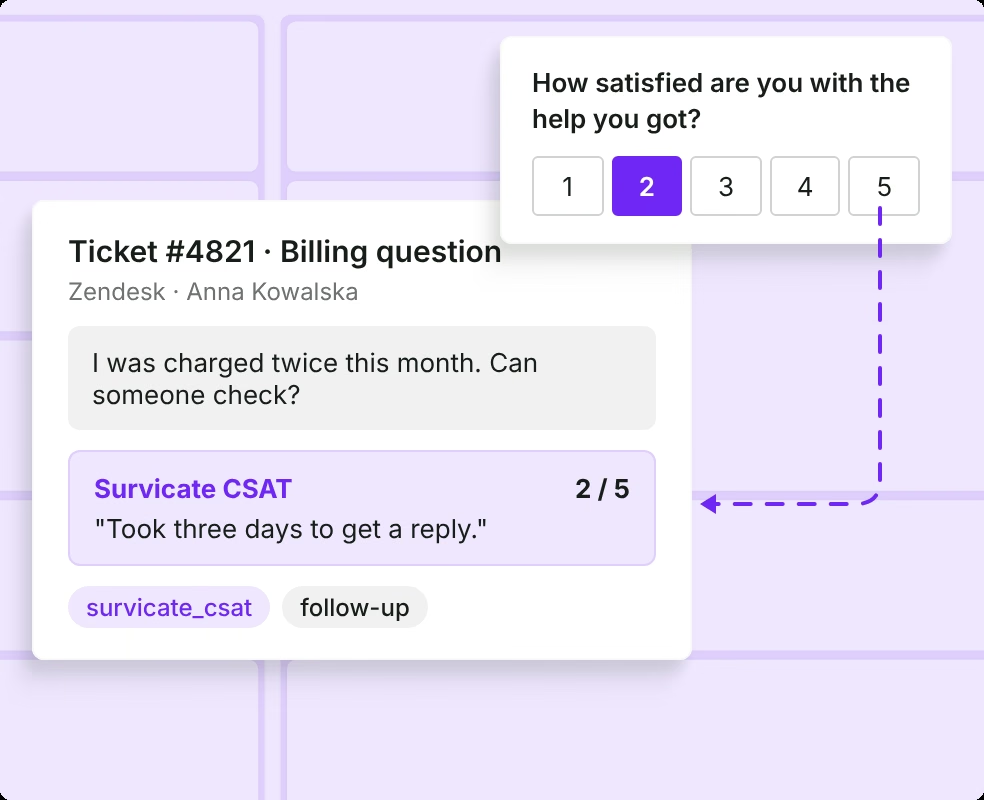
Answers next to tickets and calls
Read survey answers alongside tickets, calls, and reviews.
Close the loop on every answer
Send findings to Slack, Jira, Linear, or your help desk.
In-app surveys that feed your voice of customer program
Every in-app answer sits next to your support tickets, calls, and reviews in one place. See in‑app surveys
Everything Refiner leaves to other tools, in one place
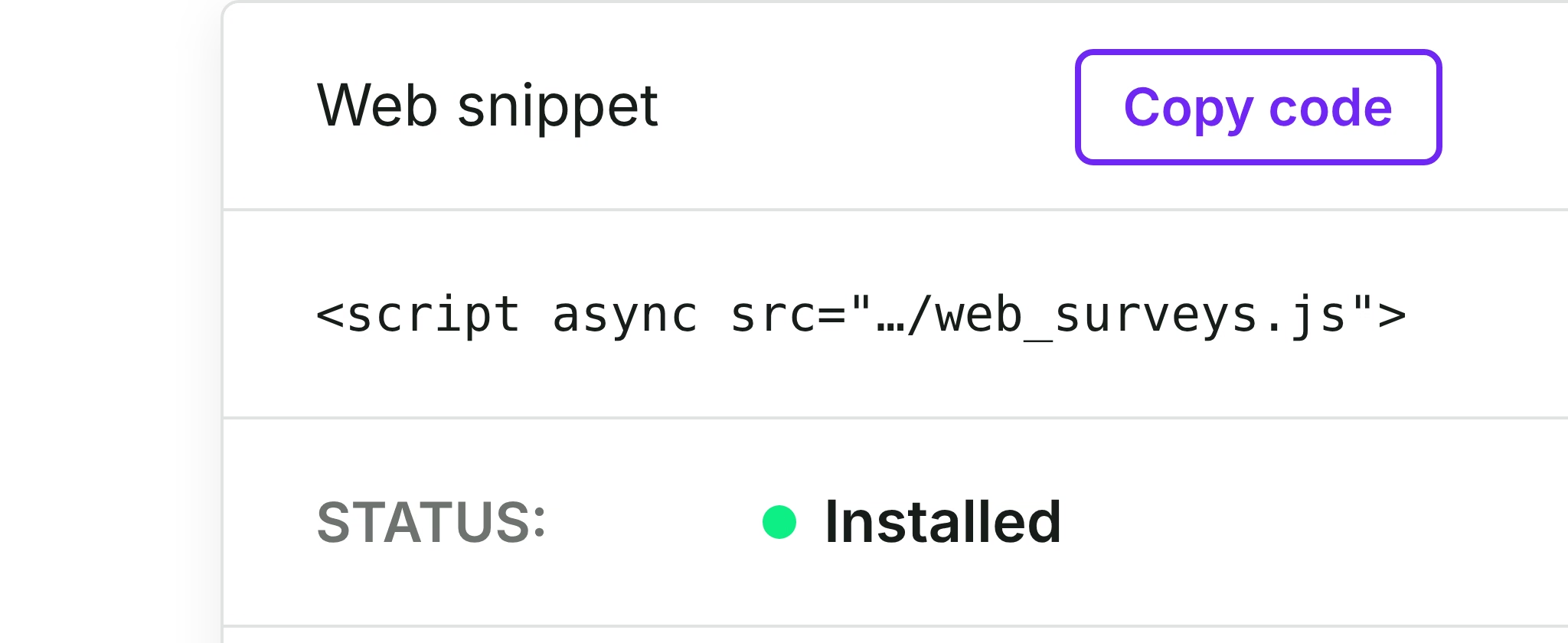
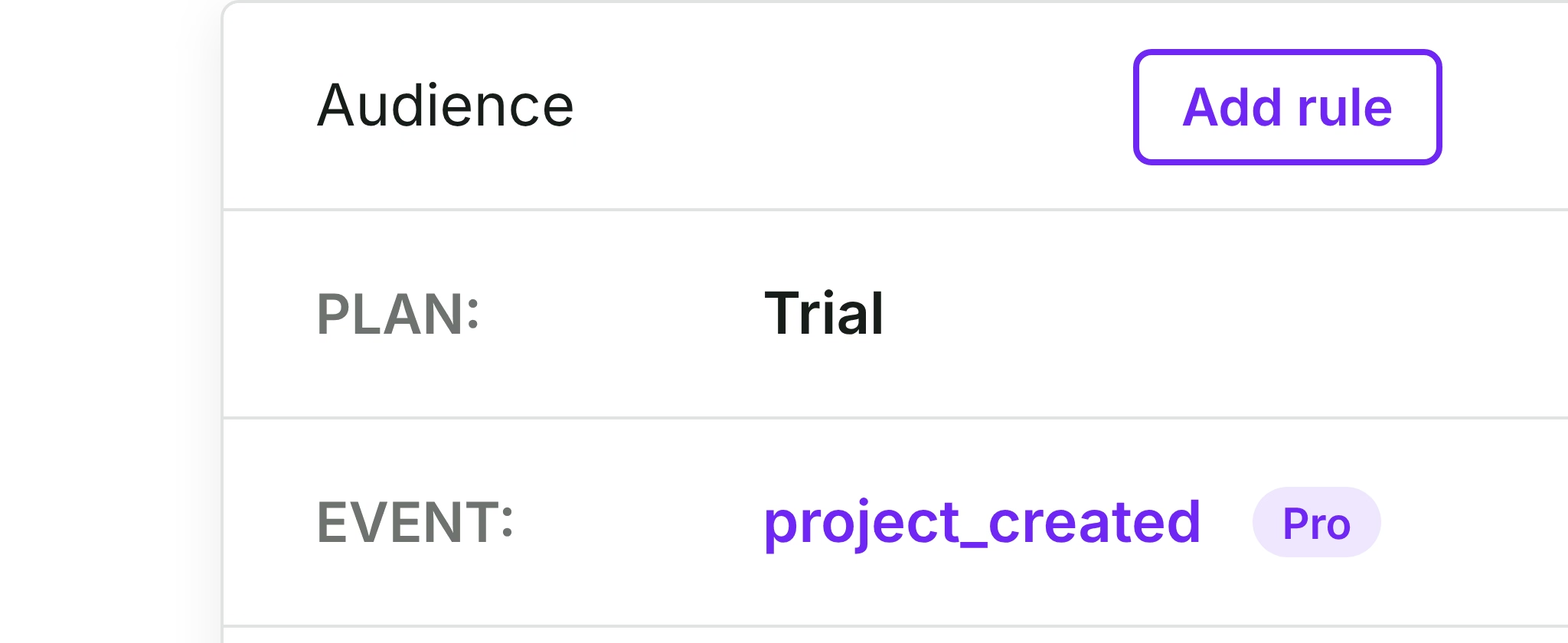
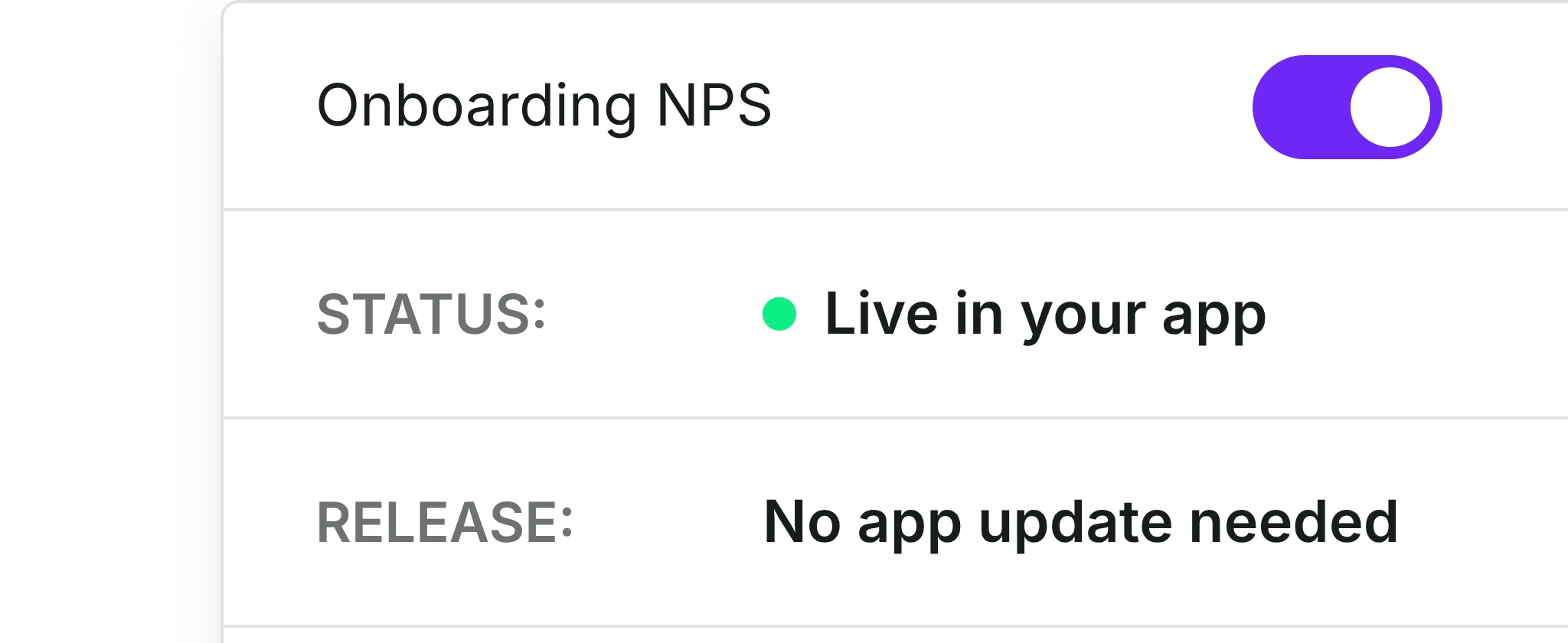
Refiner leaves cross-source analysis, email sending, and help desk sync to other tools. Survicate does all three itself.
Analyze surveys and support data together
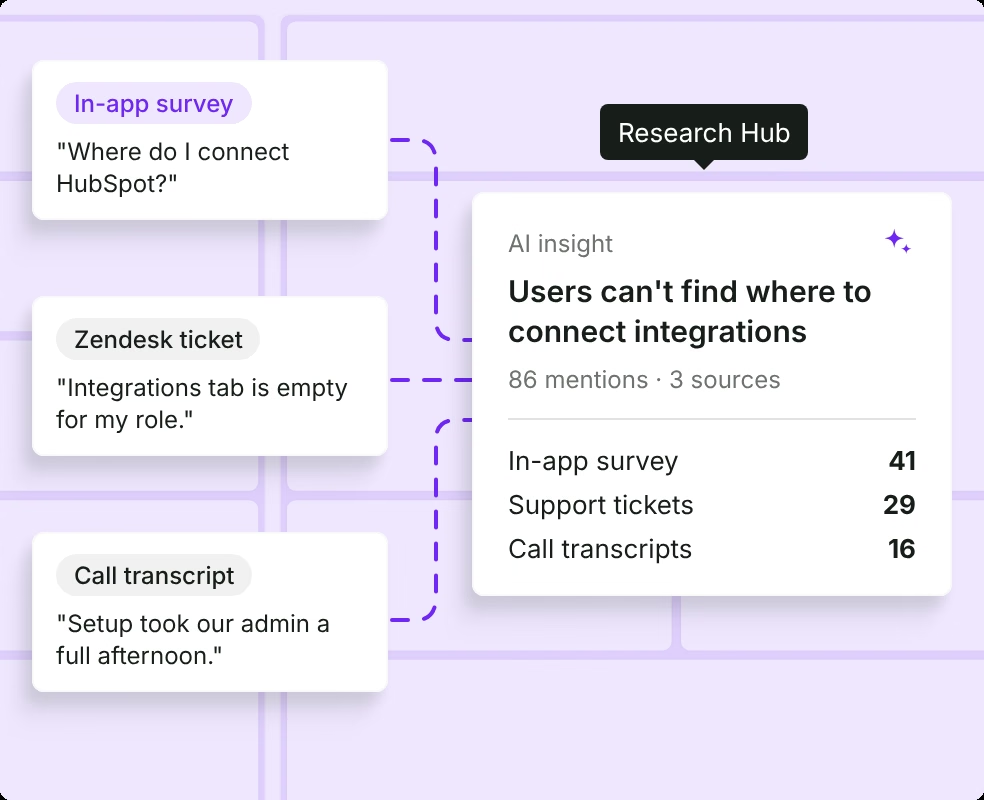
Refiner's AI tags answers to its own surveys. Research Hub reads your in-app answers next to support tickets, call transcripts, and reviews.
- Survey answers
- Support tickets
- Call transcripts
- App reviews
"In the past we needed multiple apps to get customer feedback. Now we have all we need with a single subscription."
Luke Deka - Full Stack Developer
CrewScale
How Survicate compares to Refiner
Both run targeted in-app surveys on web and mobile. The difference is what happens to the feedback after users answer.
| Feature | Refiner | Survicate |
|---|---|---|
Not includedOwn surveys only | IncludedTickets, calls, reviews | |
Not includedYour email tool | IncludedBuilt in | |
Not includedVia Zapier | IncludedZendesk, Intercom | |
Not includedActive users | IncludedFeedback collected | |
Not includedNo Intercom app | IncludedAll plans | |
Not includedNot listed | IncludedFrom Growth |
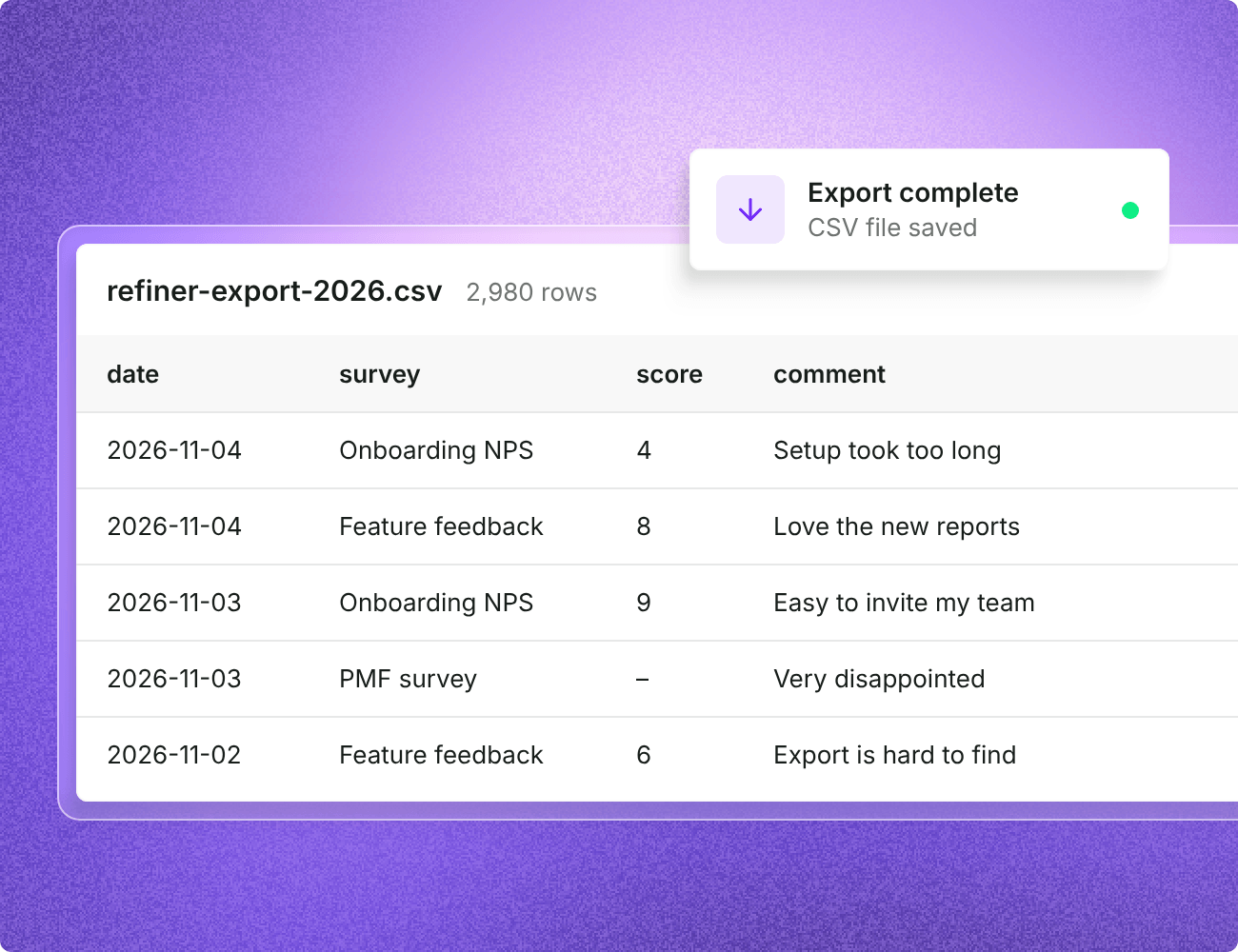
Refiner's AI tags answers to its own surveys and can send responses to Chattermill or Enterpret. Survicate's Research Hub analyzes survey answers together with support tickets and reviews, plus call recordings from Growth.
Refiner gives you an HTML snippet to send from your own email platform. Survicate sends email surveys itself: upload an audience and send or schedule.
Refiner doesn't list a native Zendesk or Intercom integration, so help desk data goes through Zapier or webhooks. Survicate connects to Zendesk both ways on every plan. Intercom receives responses on every plan and syncs both ways from Pro.
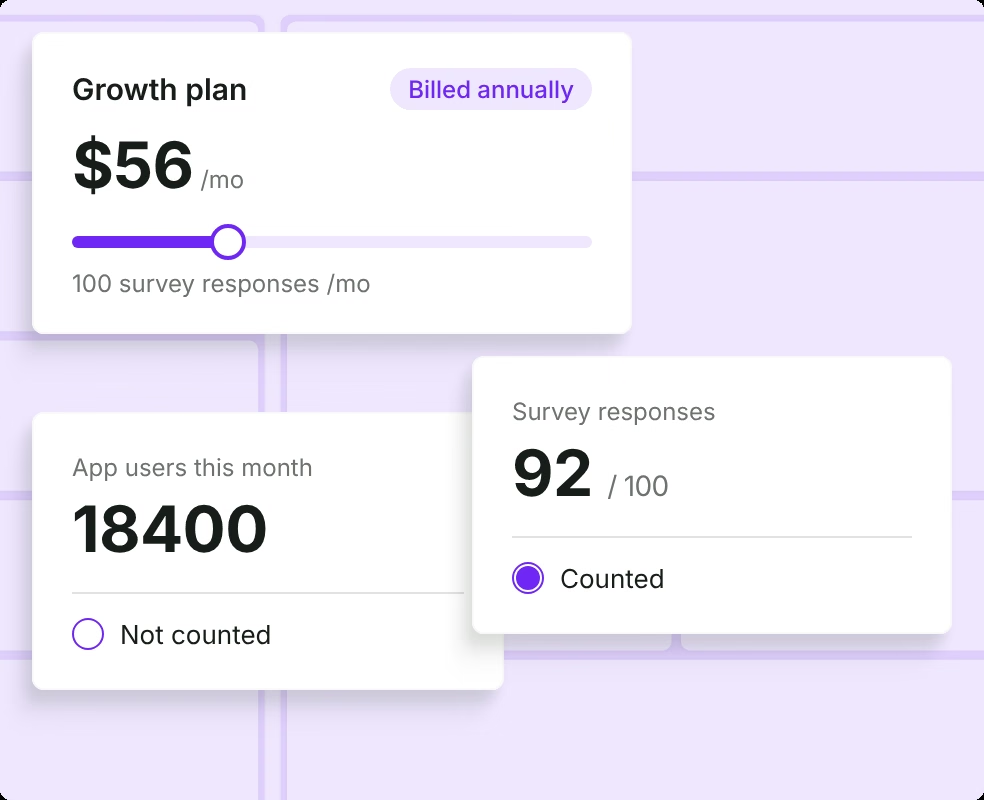
Refiner includes unlimited responses and prices by monthly active users, counting users identified in your app even if they don't answer. Survicate prices by the responses and data points you collect.
Refiner doesn't list an Intercom integration. Survicate runs surveys inside Intercom on every plan.
Refiner doesn't list call or meeting recording sources. Survicate transcribes meeting recordings for Research Hub, with 300 minutes a month on Growth and more on higher plans.
Switch from Refiner to Survicate in three steps
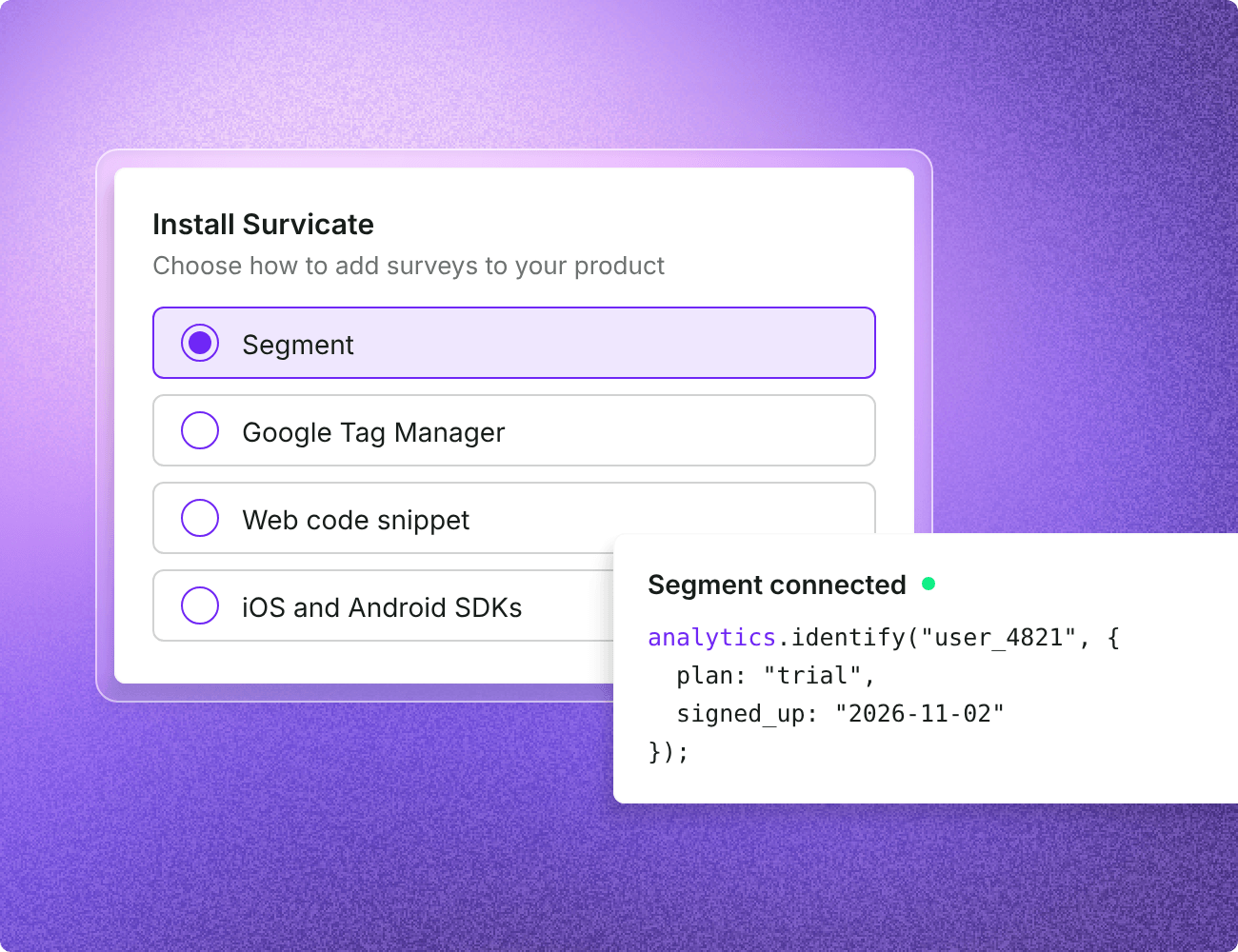
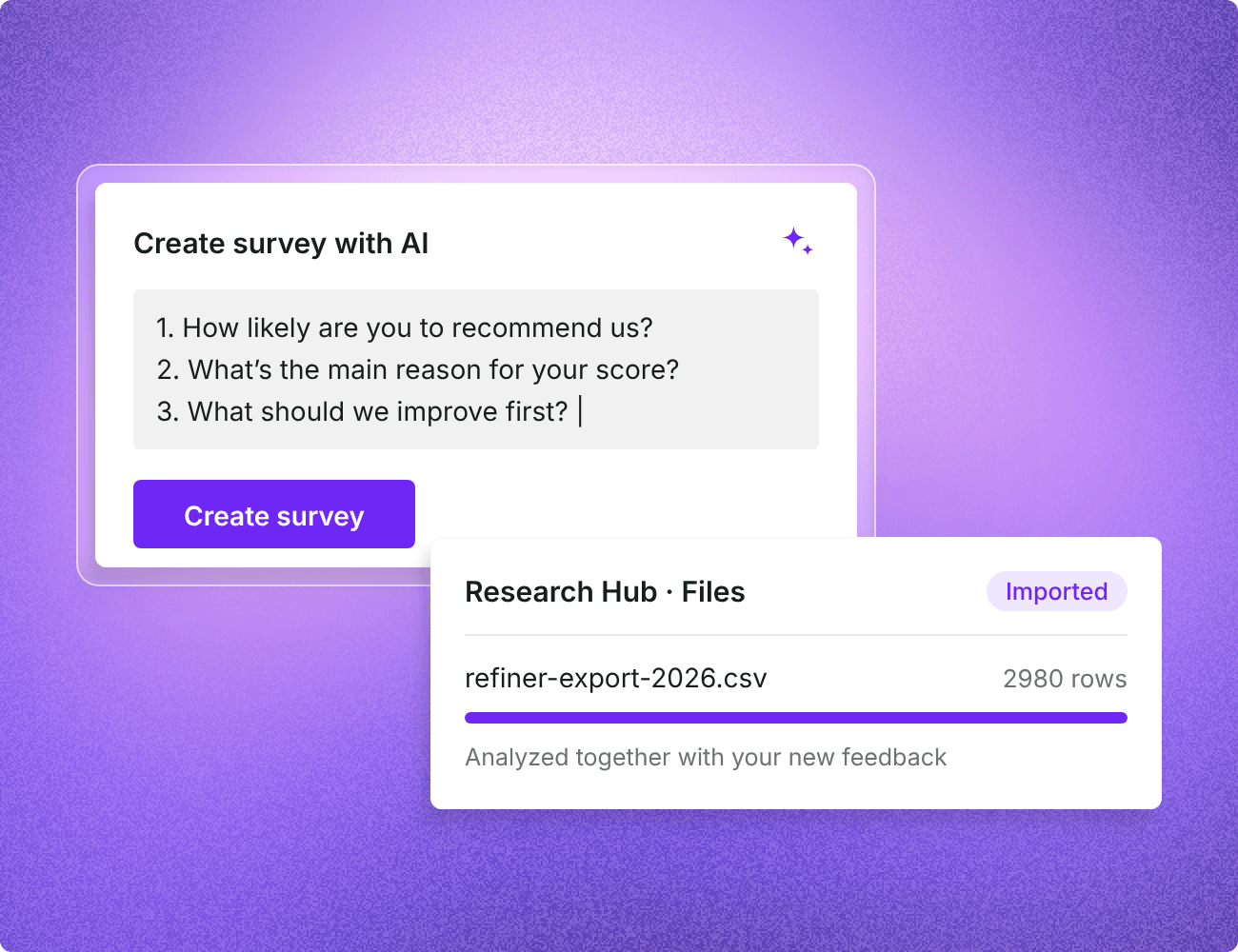
Rebuild your surveys, reuse your Segment or GTM tracking, and bring past answers into Research Hub.
Bring in-app feedback and support data together
Human support, on every plan
10-day trial, no card needed
Surveys, tickets, and reviews
Frequently asked questions
Find answers to common questions about switching from Refiner to Survicate. Can't find what you're looking for? Contact our support team.


© 2026 Survicate S.A.With ♥ from Poland