Survicate and Google Analytics integration

Track and analyze survey results in Google Analytics

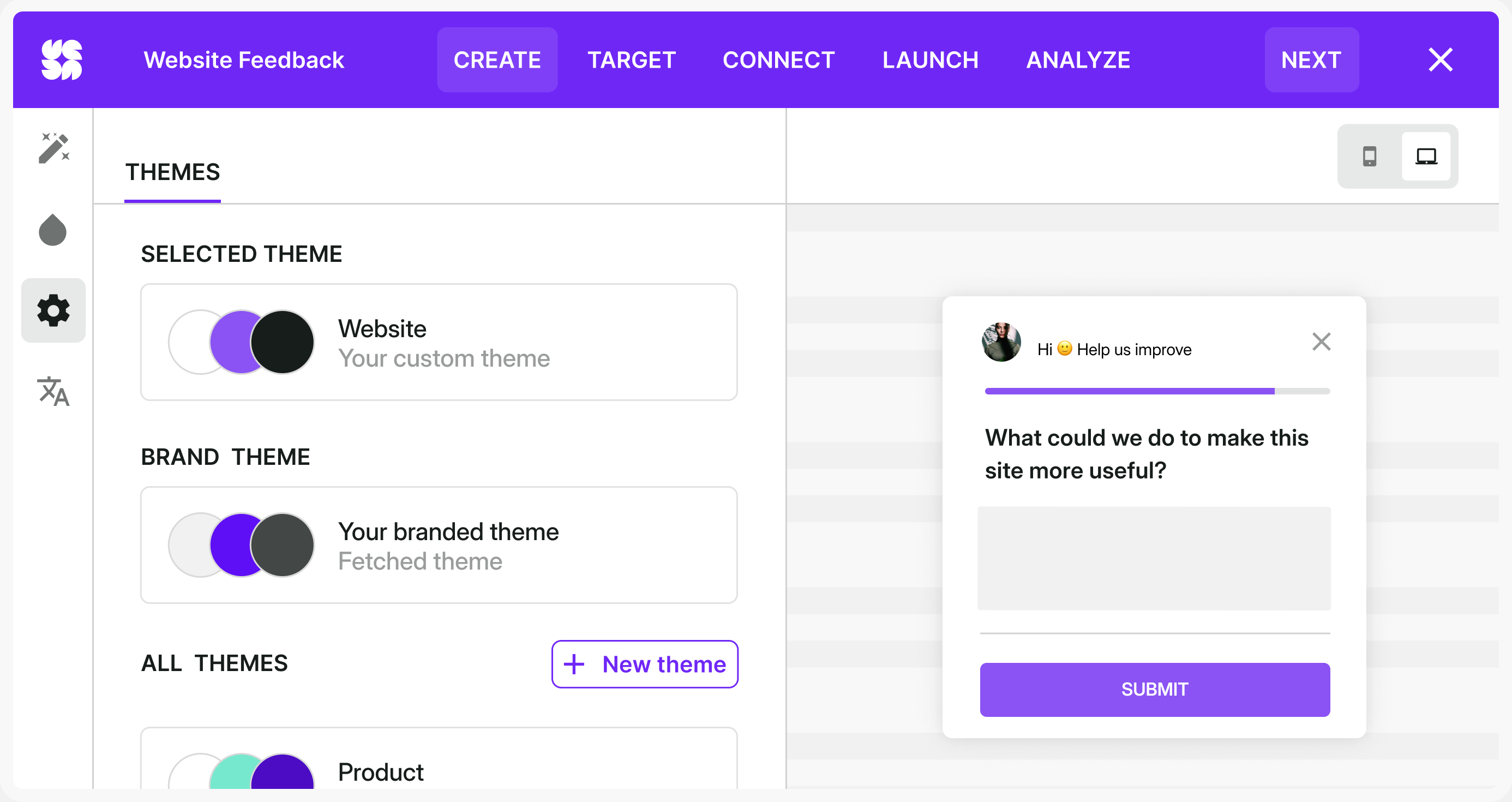
Run website and in-product surveys effortlessly. Send results as events to GA4 with our native integration to gain a better understanding of user behavior.
survicate hero image product
Trusted by 2000+
digital businesses
Trusted by 2000+
digital businesses
Trusted by 2000+
digital businesses

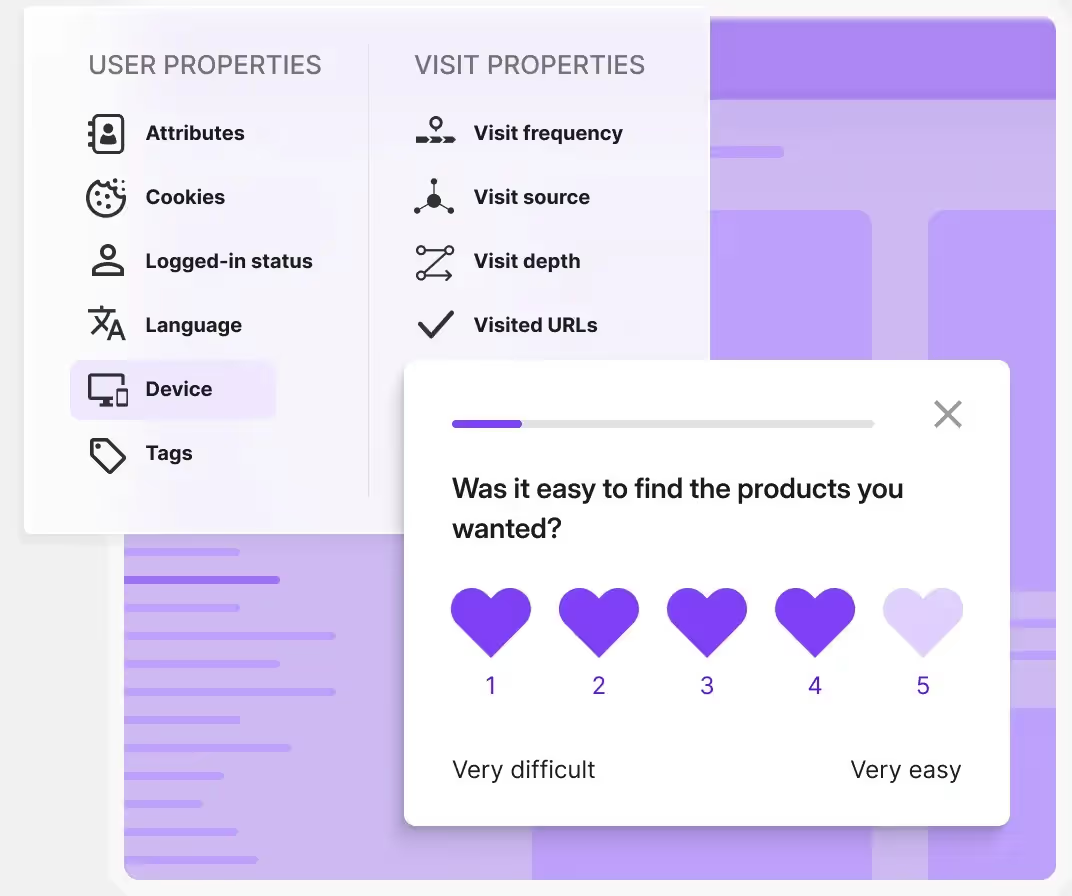
See where and why your visitors drop off

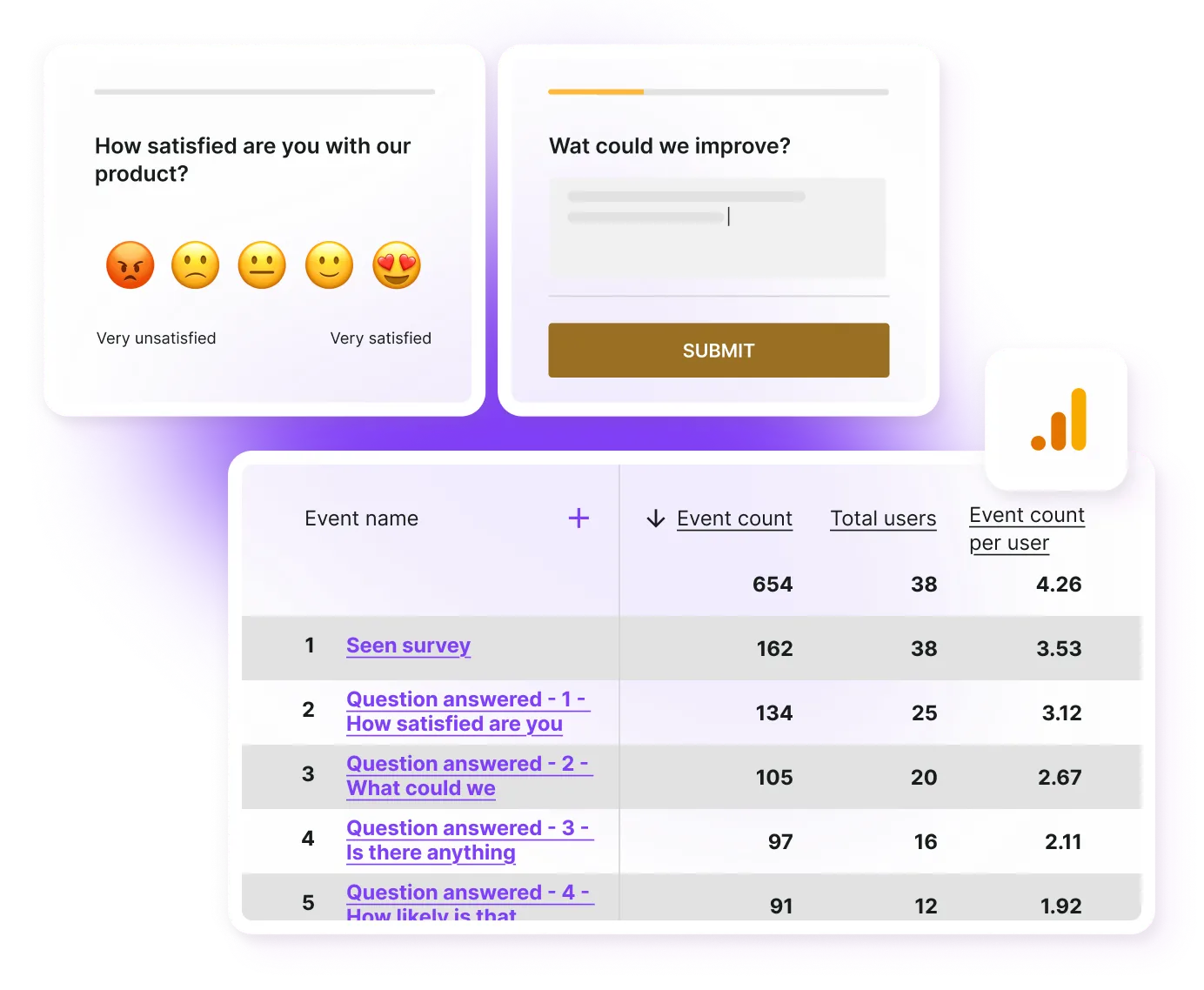
Match Google Analytics survey answers with on-site events.
  • Target and trigger your surveys based on cookies, time spent on a page, visit depth and more
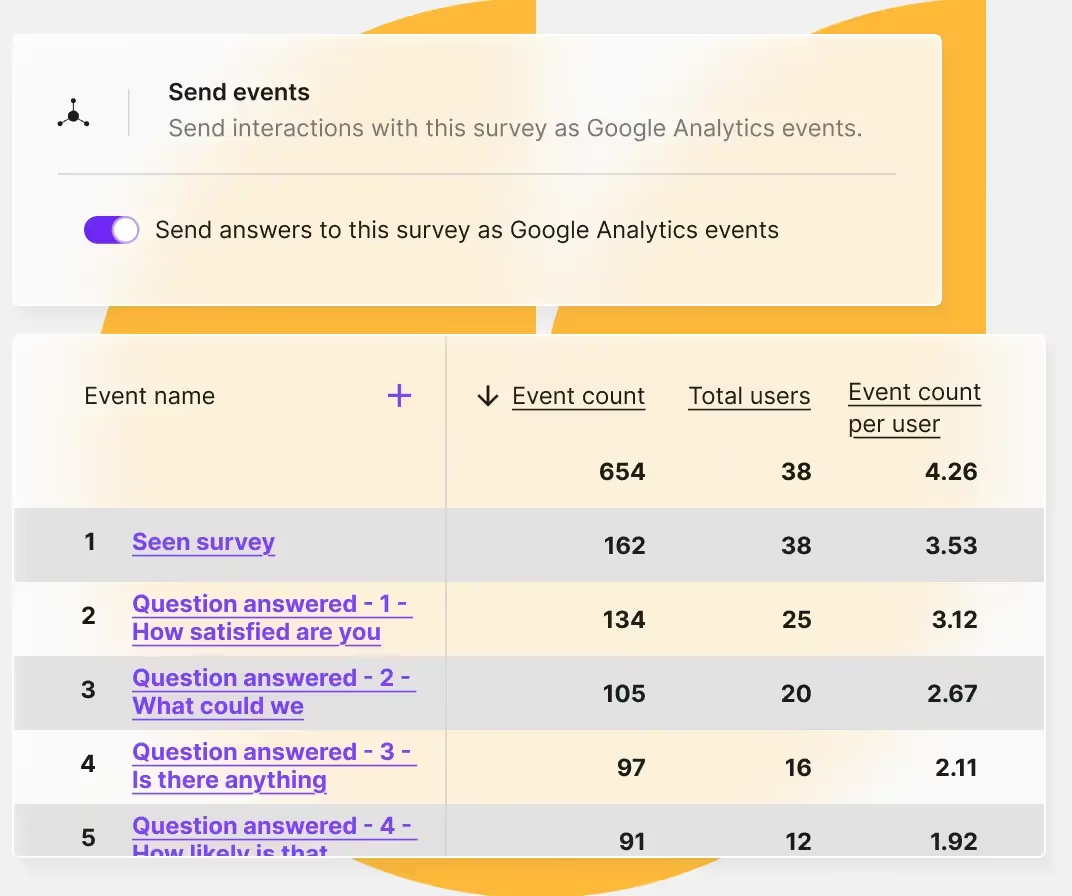
  • Sync Google Analytics survey results as event names
  • Collect responses both from closed and open-ended questions
  • Connect users’ feedback with their paths and understand the 'why' behind users' behavior

Track Google Analytics survey responses

Continuously tack visitors' feedback to keep tabs on their behavior

  • Sync any survey responses with website analytics: measure NPS, rate content or explore churn
  • View every website or in-product respone as events in Google Analytics
  • Monitor how visitors' satisfaction and sentiment changes over time
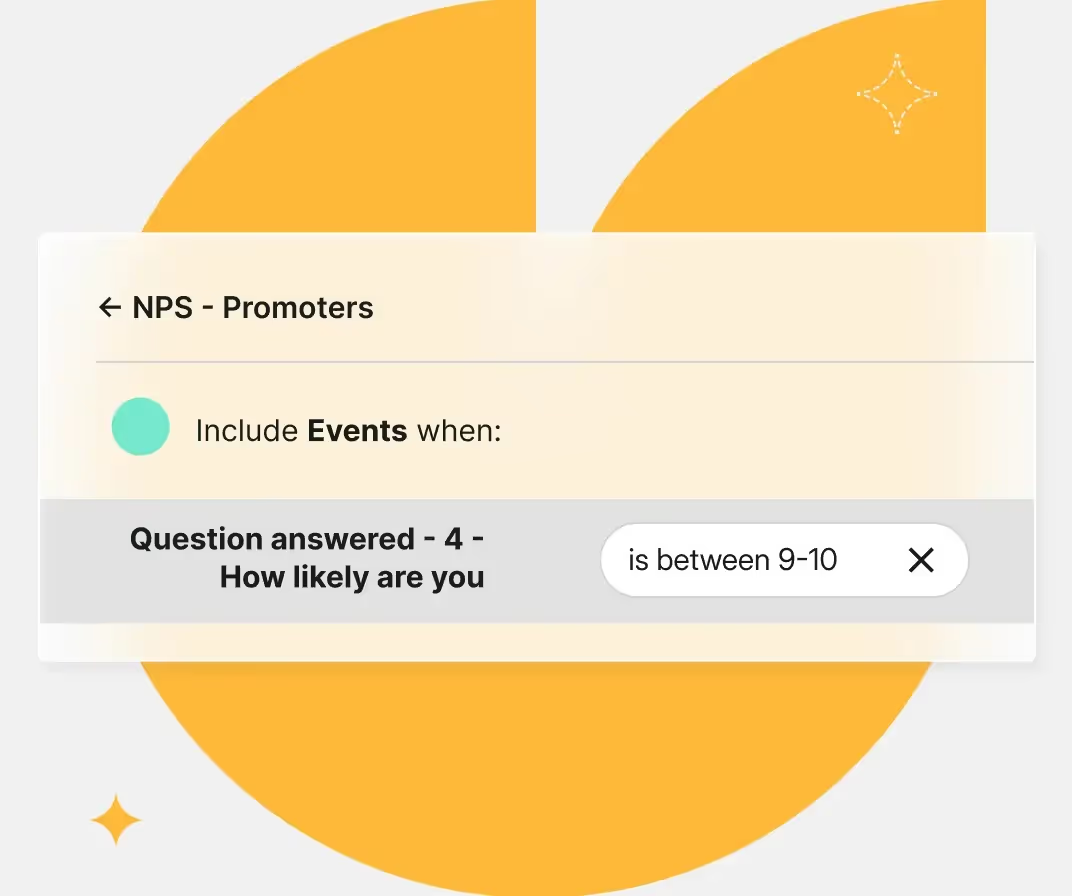
  • Mark specific survey replies, like a high NPS score, as conversions and keep track of results

Build new segments

Use survey results to retain current clients and attract new ones
  • Create custom Google Analytics segments based on survey responses,
  • Learn how different NPS segments relate to your key metrics like conversions or bounce rate
  • Link Google Analytics survey responses to Ads and improve your remarketing campaigns
  • Reuse survey responses in Google remarketing campaigns

“The Research Assistant feature has been an incredibly valuable tool in my workflow. When I tested it via Slack, it independently surfaced the same key themes I had identified through my own analysis. This alignment gave me confidence in its accuracy and reinforced the strength of the insights it generated. It’s an efficient, reliable feature that meaningfully supports our Voice of Customer work.”
Swetha Srivatsan
Voice of Customer Lead @Montu

Why do companies switch to Survicate?

To build smarter customer feedback programs all in one survicate’s platform. One tool to collect, analyze, and act on feedback. Without juggling between tools or breaking the bank.
Collect customer feedback across all your survey channels
  • Run surveys by email or shareable link, on your website, or inside your product and mobile app.
  • Send survey emails directly from Survicate on paid plans, with the option to schedule them for later.
  • Track NPS, CSAT, and CES over time with recurring surveys targeted to specific groups of customers.
Bring all your customer feedback into Research Hub
  • Combine survey responses, support chats, reviews, and interview transcripts in one place.
  • Use AI to see what customers praise most and where they struggle across your feedback sources.
  • Create editable Research Project reports with citations that link findings to source feedback.
Measure customer experience and spot changes over time
  • Build custom Boards with results from multiple surveys and insights from your Research Hub.
  • Track satisfaction scores, feedback themes, and customer sentiment as they change over time.
  • Compare survey results by date, survey answer, or attributes like customer plan or country.
Use customer feedback to automate timely follow-ups
  • Route survey responses to the right team based on answers or attributes so they can follow up quickly.
  • Sync survey responses to your CRM and trigger follow-up workflows based on customer answers.
  • Connect your CRM, support, and analytics tools with 45+ native integrations. Options vary by plan.

See more questions
Hide some questions
attribute_section_arrow

Survicate has your (feed)back

  • human live chat support, no bots
  • 97% satisfaction rate
  • 2 minutes first response